
You can now view details about users' flow sessions in Userflow. A session means a specific user viewing a specific flow.
If you click a session row on the view-user or flow-overview pages, you can see all its details:
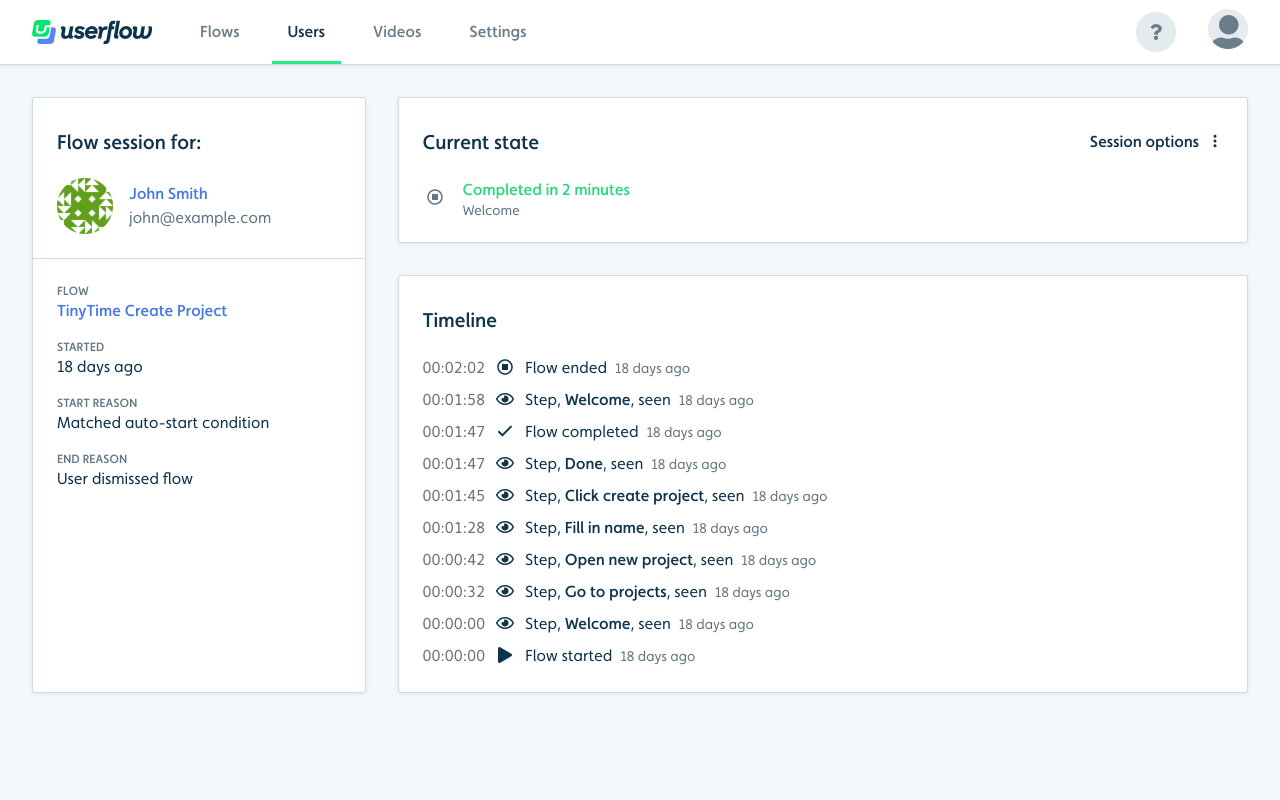
You can dig into why/when the flow was started, why/when it ended, exactly which steps the user saw and how long time it took them.
You can now also delete individual sessions - or a whole user (including all their sessions) - using the new "User options" and "Session options" three-dot buttons on the view-user and view-session pages respectively. This is great for testing, as you can test flows' auto-start conditions over and over with the same user. You can also delete a user's complete history to comply with GDPR.

%20copy%2012.png)
%20(1)%20copy.png)