
In-app announcements that turn updates into adoption
Most product announcements get ignored.

Teams ship features. They send emails. They publish release notes.

But users miss updates, ignore in-app banners, or see announcements at the wrong moment.

What’s missing? Context.
Userflow connects release announcements to real product signals,
so updates appear when they matter most—and only to the users who need them.

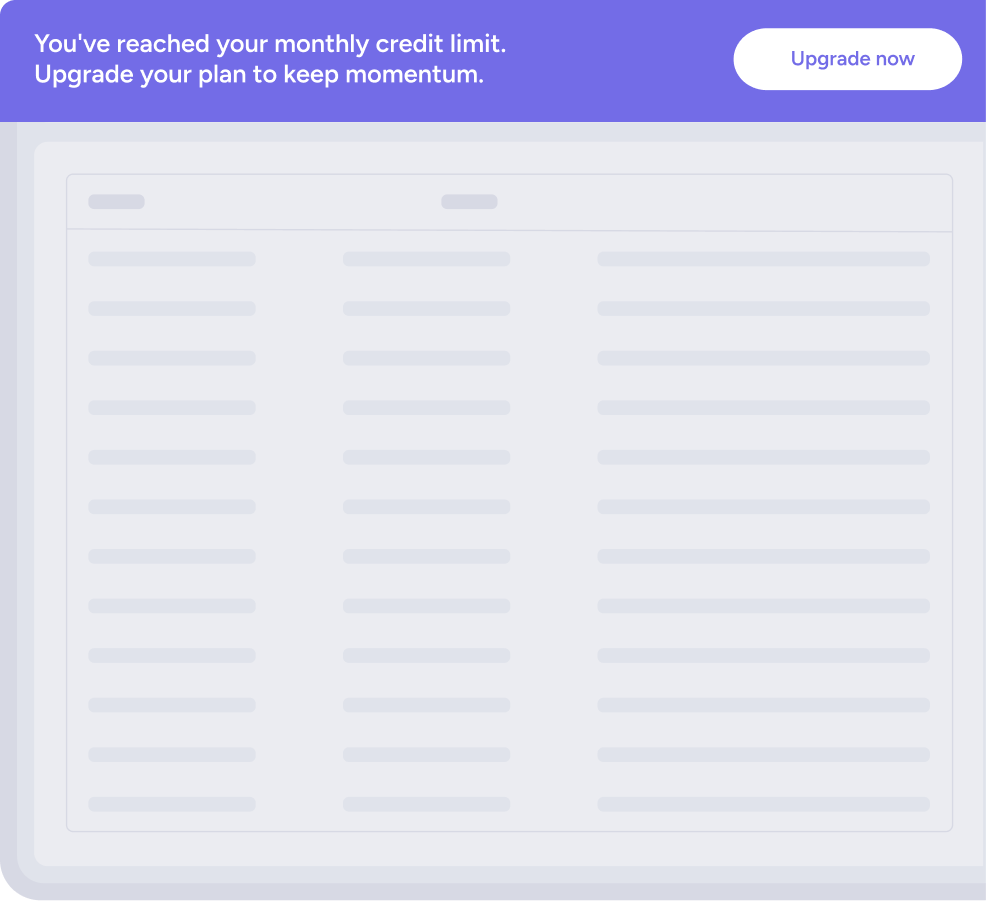
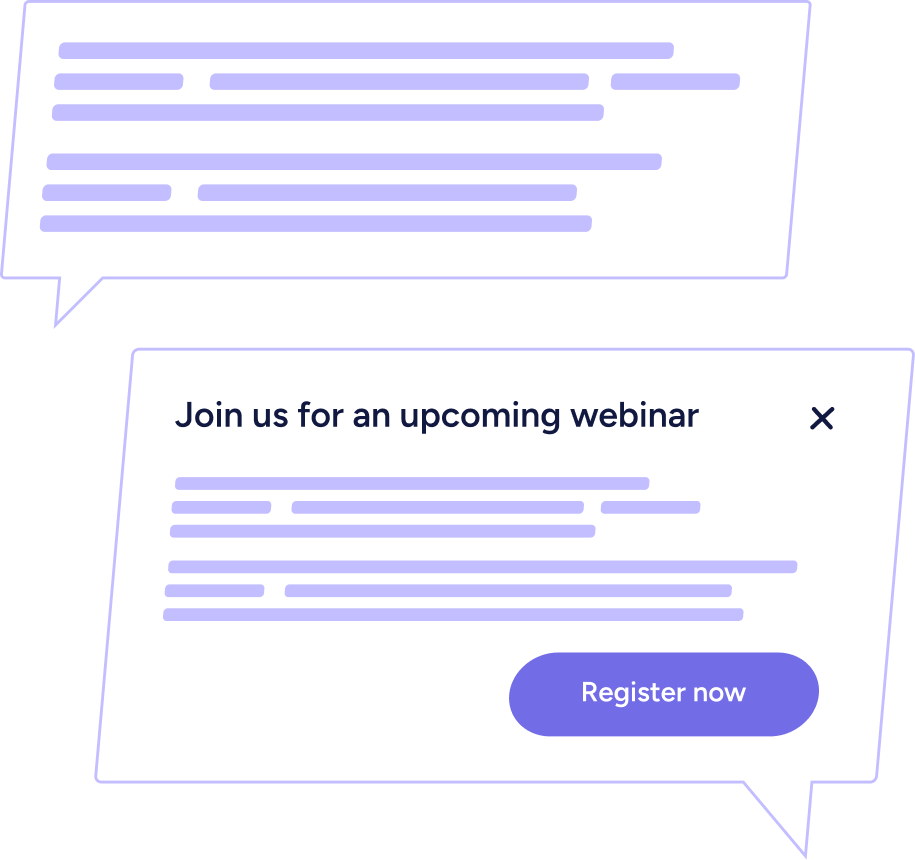
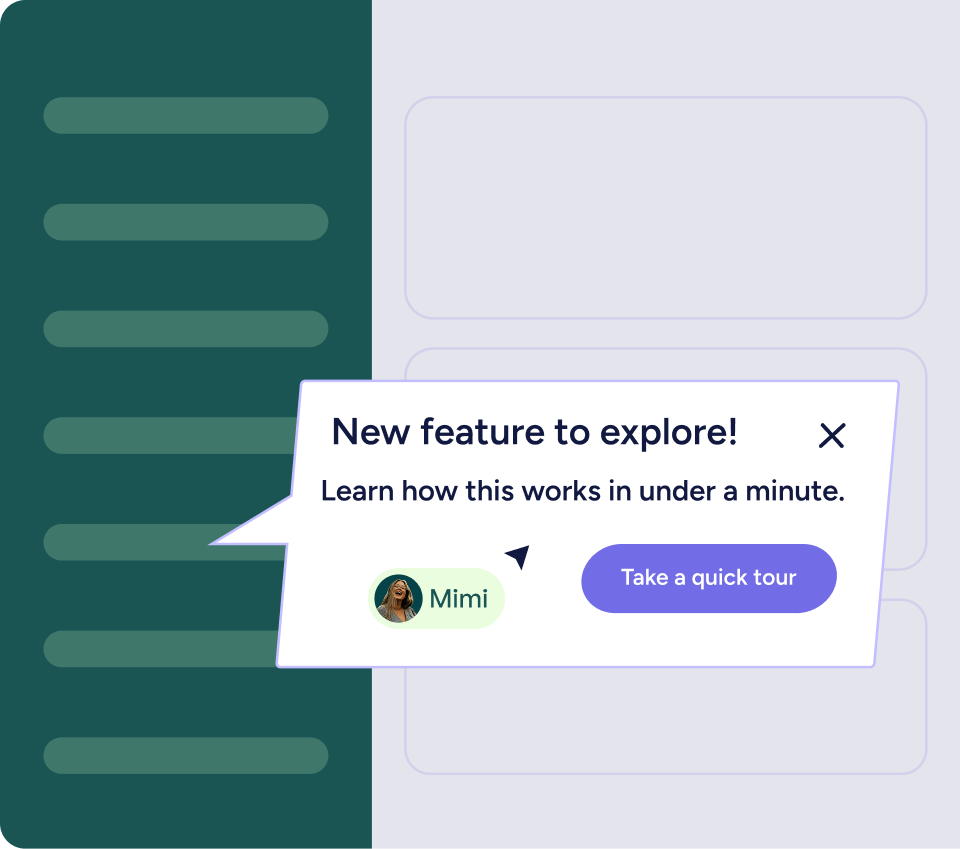
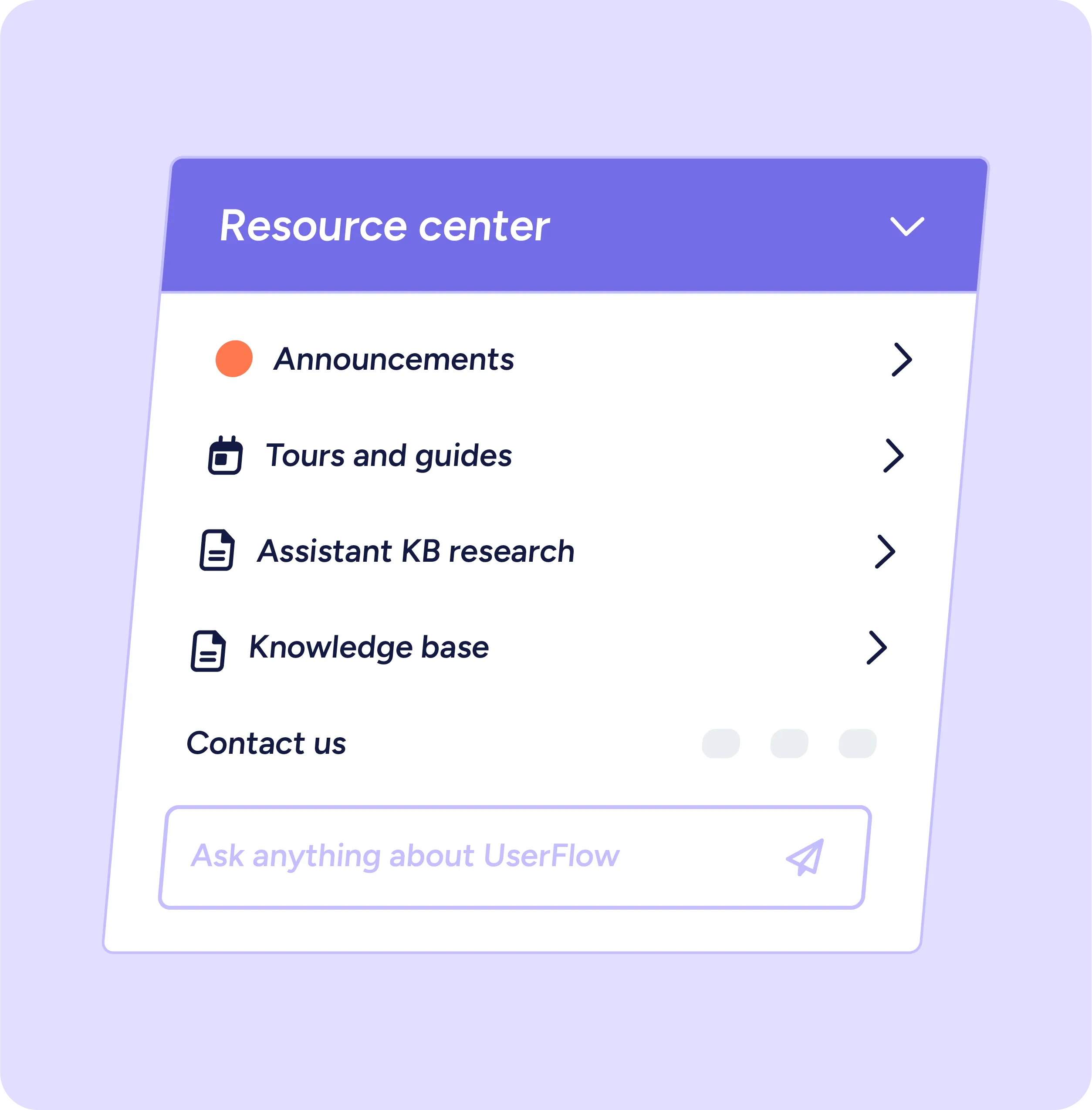
Choose the right format for the moment
Fully customizable. Fully on-brand. No code required.


Announcements that adapt to user behavior

Target by role, behavior, or lifecycle

Measure what happens next
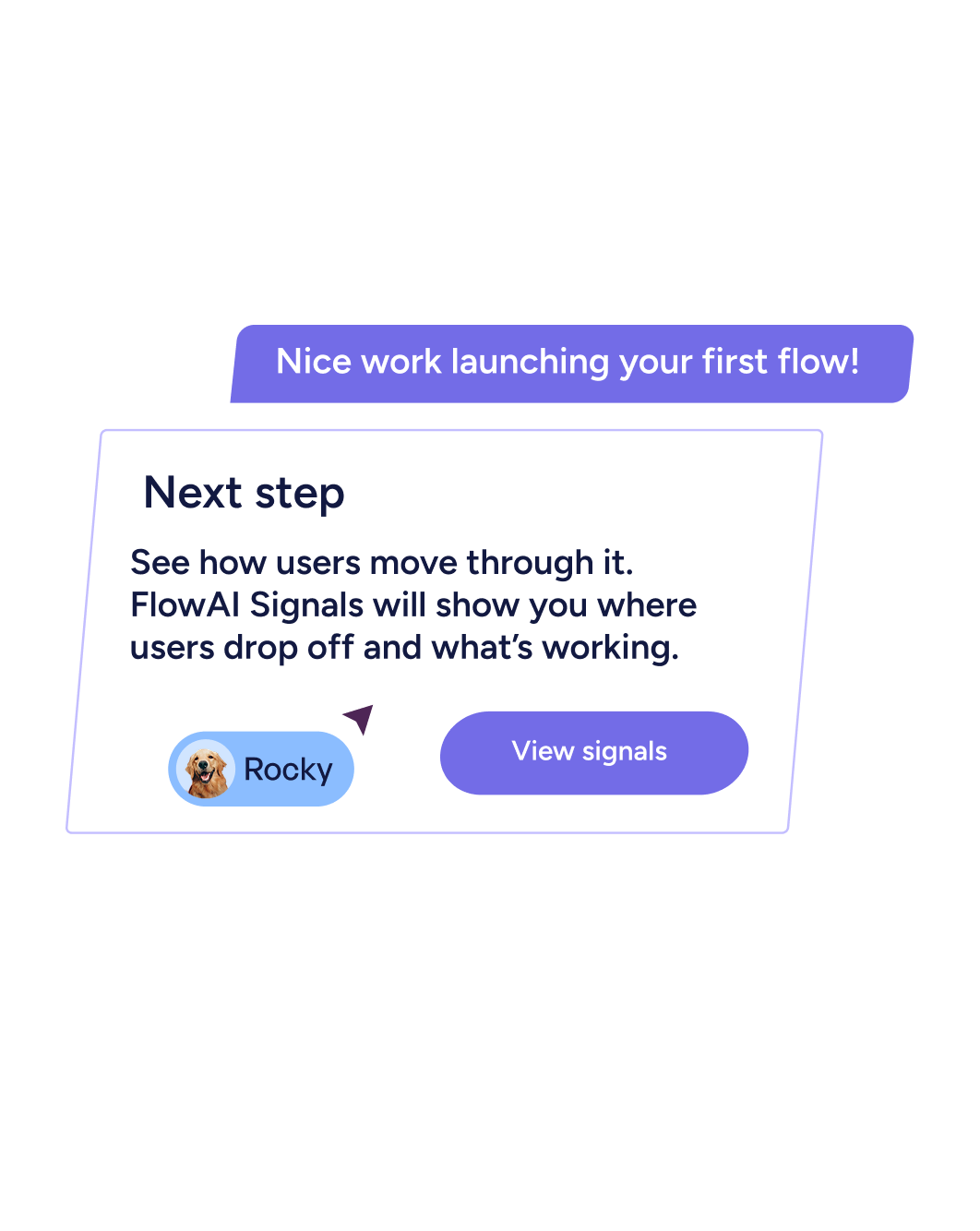

Launch features where users will act

Announcements that get smarter over time



“We want to drive adoption of the amazing new features we are building, and Userflow’s launchers are great for this. I highly recommend it to any product-led SaaS business that wants to improve its conversion and retention.”
Launch → Measure → Improve
This isn’t just messaging. It’s a closed-loop adoption system. Every update becomes part of a continuous learning engine—not a one-off product announcement.

Launch an in-app announcement.
Modal, banner, tooltip, or embedded message—fully on-brand and triggered intentionally.

Track behavior automatically.
See who engaged, who ignored it, and what they did next.

Improve continuously.
FlowAI surfaces patterns so your launches get smarter over time.
Common ways teams use in-app announcements

Feature launches that actually stick
Announce new capabilities at the moment of relevance—not in a crowded inbox.

Upsell and expansion nudges
Trigger in-app upgrade banners when users hit limits or show expansion intent.

Re-engagement campaigns
Surface contextual prompts when usage drops—before churn becomes a problem.

Education and reinforcement
Pair release announcements with flows, tooltips, or checklists to drive deeper adoption.
Built for customer - obsessed teams
Product & Growth
Drive activation, engagement, and expansion directly inside the product.

.svg)
.svg)

Customer Success
Drive adoption and retention without adding support overhead.


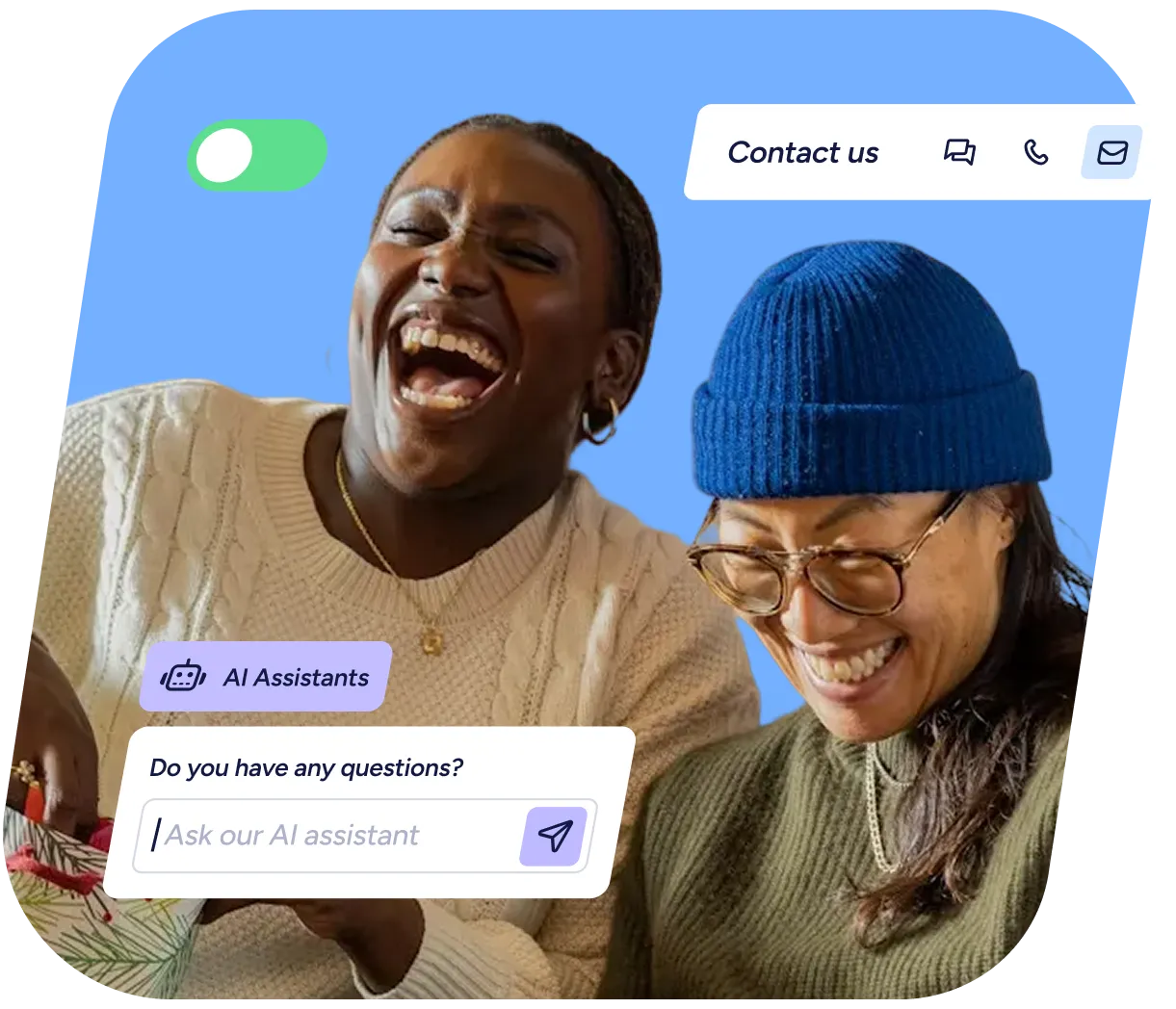
Marketing
Launch features, educate users, and drive adoption from inside the product.


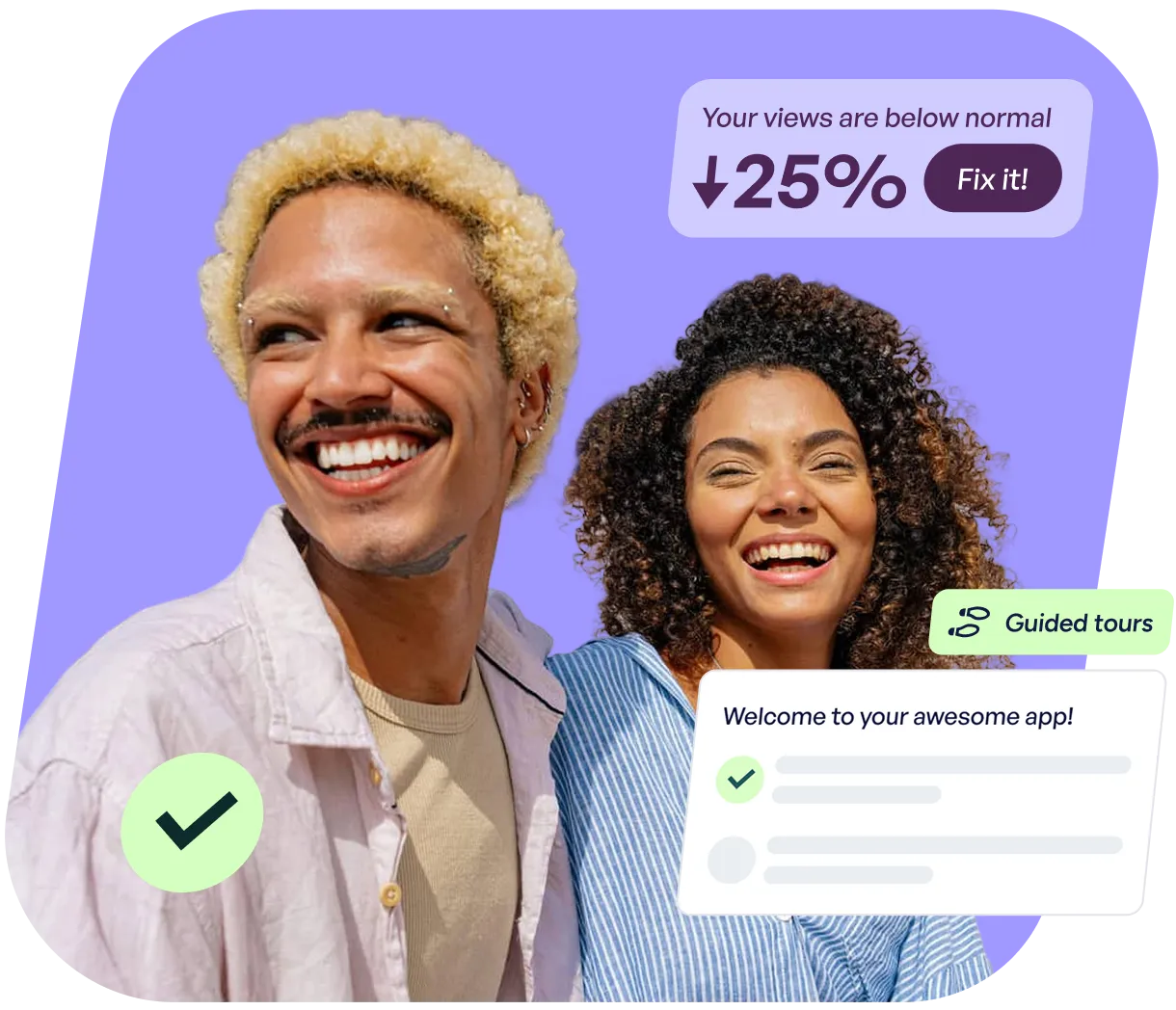
FAQs
Clear answers to common questions
Yes. Announcements can be triggered by events, attributes, segments, lifecycle stage, or usage milestones.
No. Build, preview, and launch announcements with the no-code builder. The only technical requirement is the initial JavaScript snippet installation.
Yes. Track views, clicks, and follow-on behavior. On Pro and Enterprise, FlowAI Signals helps surface meaningful changes automatically.
Fully. Match your brand with custom styling, positioning, and layout control.
Still have questions?
Our team is happy to help, whether you’re just exploring or ready to get started.