
Product tours & in-app guides that adapt and drive real adoption

Design contextual, in-app guidance powered by real product signals and FlowAI intelligence. Move users to value faster without engineering bottlenecks.
Start free trial

Static tours are easy. Intelligent guidance is harder.

Most interactive product tours run the same way for every user.

They trigger on page load.

They follow a fixed path.

They measure completion…but completion doesn’t equal adoption.

Userflow connects onboarding tours and guided walkthroughs to real user behavior —so guidance appears when it matters, adapts to context, and moves users toward meaningful outcomes.
Build in-app product tours that feel native—not scripted

Create fully customizable, on-brand guided walkthroughs and in-app guides that respond to user actions.


Tours feel like part of your product—not an overlay sitting on top of it. No code required.

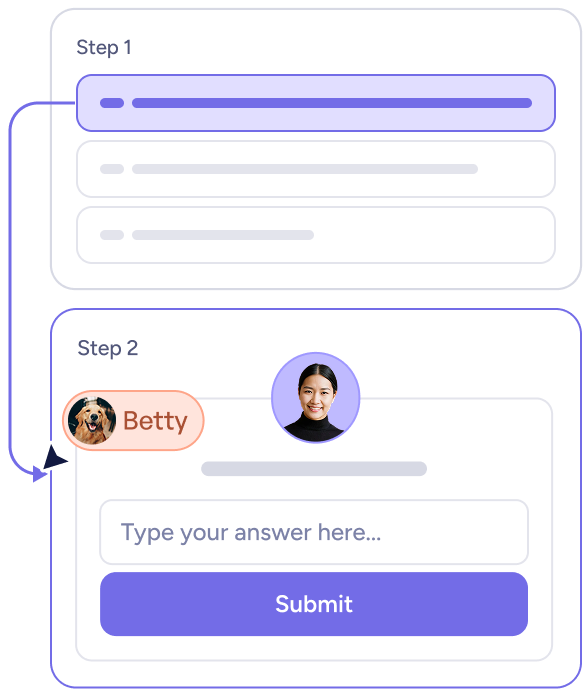
Two-step interactive form with Step 1 showing a highlighted selection bar, and Step 2 displaying a chat interface with a dog's avatar named Betty, a user avatar, a text input field, and a purple Submit button.

Trigger guidance intentionally, not interruptively

Instead of launching product tours for everyone at once, connect guidance to real product signals and lifecycle stages, like nudging users who haven’t adopted a key feature. Guidance becomes intentional—not interruptive.

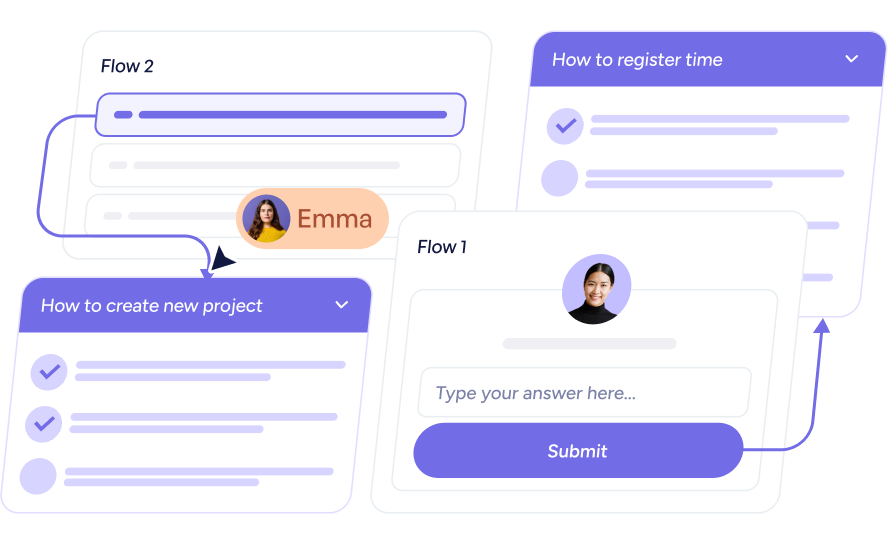
Illustration of a workflow showing task flows with titles 'How to create new project' and 'How to register time,' including user avatars and a submit button.

See what’s working—and what needs attention

Product tours shouldn’t just run. They should evolve and improve.

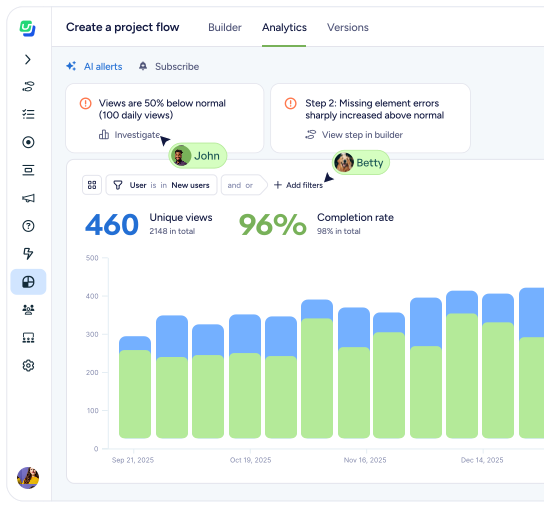
Track where users complete steps, where they stall, and what themes emerge across usage. FlowAI Signals surfaces friction and patterns automatically, so you know exactly where to refine your guidance.
Build faster with AI

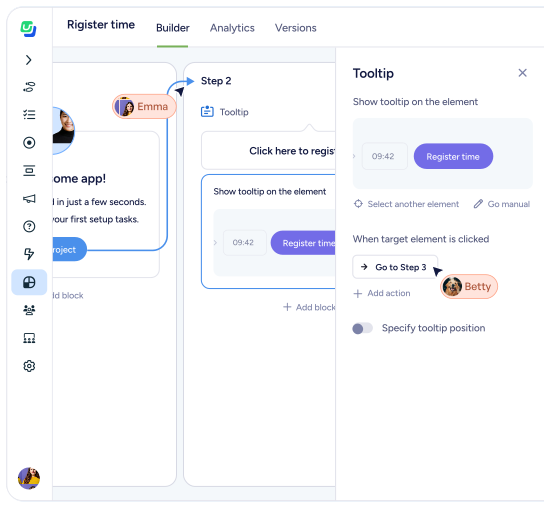
FlowAI Builder captures real product clicks and turns them into structured onboarding tours and adoption flows automatically. Then refine copy, translate instantly, and match your brand in seconds.

You stay in control, but skip the blank page. Faster setup. Same flexibility.

Klevu company logo with two green upward arrows beside the word Klevu in blue.

“Userflow has transformed how we support our customers by delivering timely, relevant information exactly when it's needed… reducing friction in their journey.”

Danish Refai
Product Manager at Klevu

FAQs

Clear answers to common questions

Still have questions?

Our team is happy to help, whether you’re just exploring or ready to get started.

Do I need a developer to build tours?

No. After a simple snippet installation, teams can build and launch interactive product tours without engineering help.

Can tours adapt to different users?

Yes. Tours can respond to user role, lifecycle stage, and product behavior.

What’s the difference between FlowAI Builder and manual tours?

Manual tours give you full control. FlowAI builder, also referred to as Smartflow, accelerates creation by generating structured, editable flows using AI.

How is this different from basic product tour tools?

Userflow connects tours to real product signals and insights, so in-app guides adapt and improve over time instead of running on a fixed path.

Still have questions?

Our team is happy to help, whether you’re just exploring or ready to get started.
