Guide users to value before they ever ask.

Adoption Studio lets you design which users see which flow, under which conditions and at which moment, then deploys it in-app automatically. No release cycle, no developers required.

Adoption Studio is where you script the journey. You set the triggers, the targeting, and the timing—and Studio delivers personalized in-app experiences to every user, automatically, from first login to lasting value.

Stop hoping users find their way. Start guiding them there.

Most onboarding is one-size-fits-all: the same modal for everyone, or a help center users have to go dig through themselves. Adoption Studio targets the right experience to the right user based on who they are and what they’ve done—and deploys it proactively, in-app, without your user lifting a finger.

What it takes to guide users proactively Manual / DIY onboarding Adoption Studio
Build in-app guidance without engineering
Target by page, event, attribute, or segment
Deploy experiences automatically, on your conditions
A/B test and iterate without a release cycle
Run the full content suite—tours, checklists, surveys, banners
See what’s working with built-in analytics

Built once, deployed your way

You configure everything: which users see which flow, under which conditions, at which point in their journey. Define the triggers—page, event, attribute, segment, schedule—and Studio deploys those experiences in-app automatically, with no action required from the user. Set it up once, and it runs.

Built smarter with FlowAI

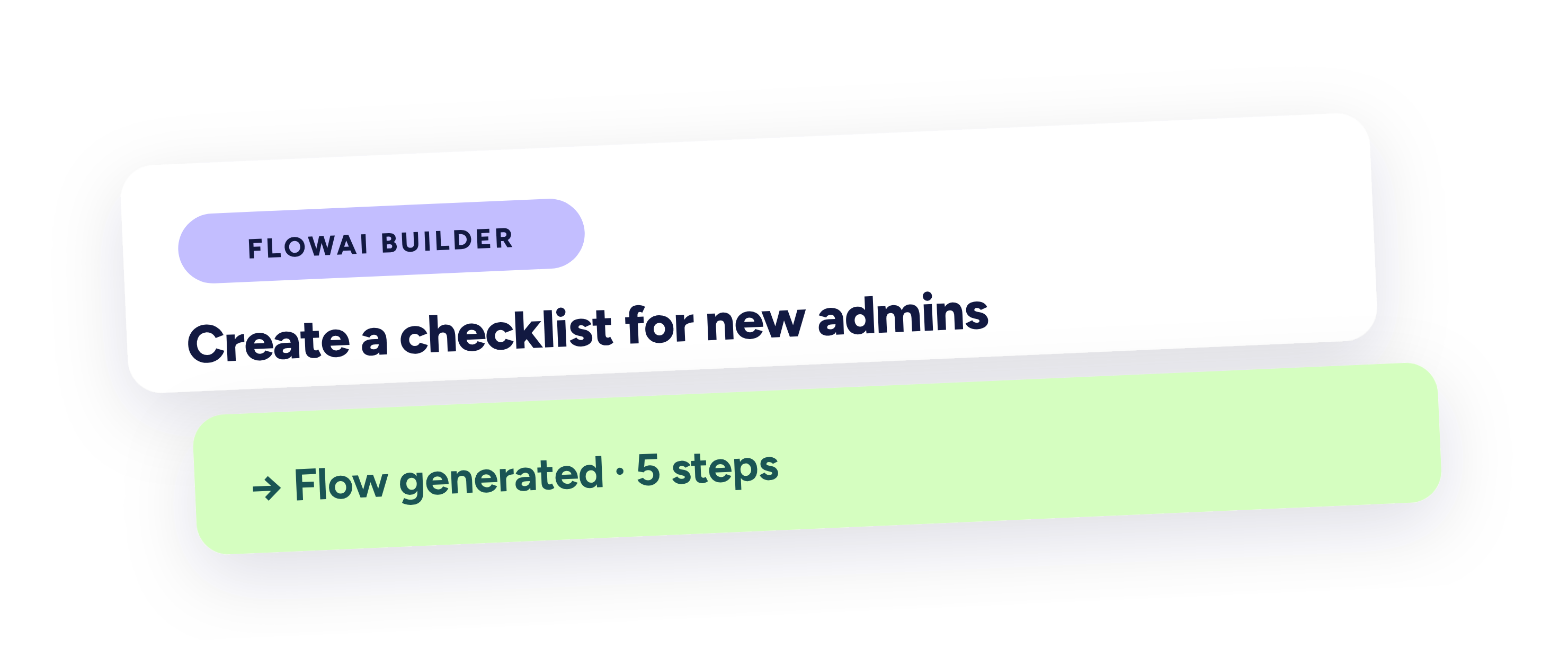
Every flow you build in Studio is backed by FlowAI. FlowAI Builder turns a prompt into a complete, styled flow in seconds, so you start from something real instead of a blank canvas. FlowAI Signals watches for friction and surfaces the patterns worth acting on. FlowAI Actions recommends and launches the right in-app response, automatically. You build less from scratch, and what you ship keeps getting smarter.
Every experience earns its keep

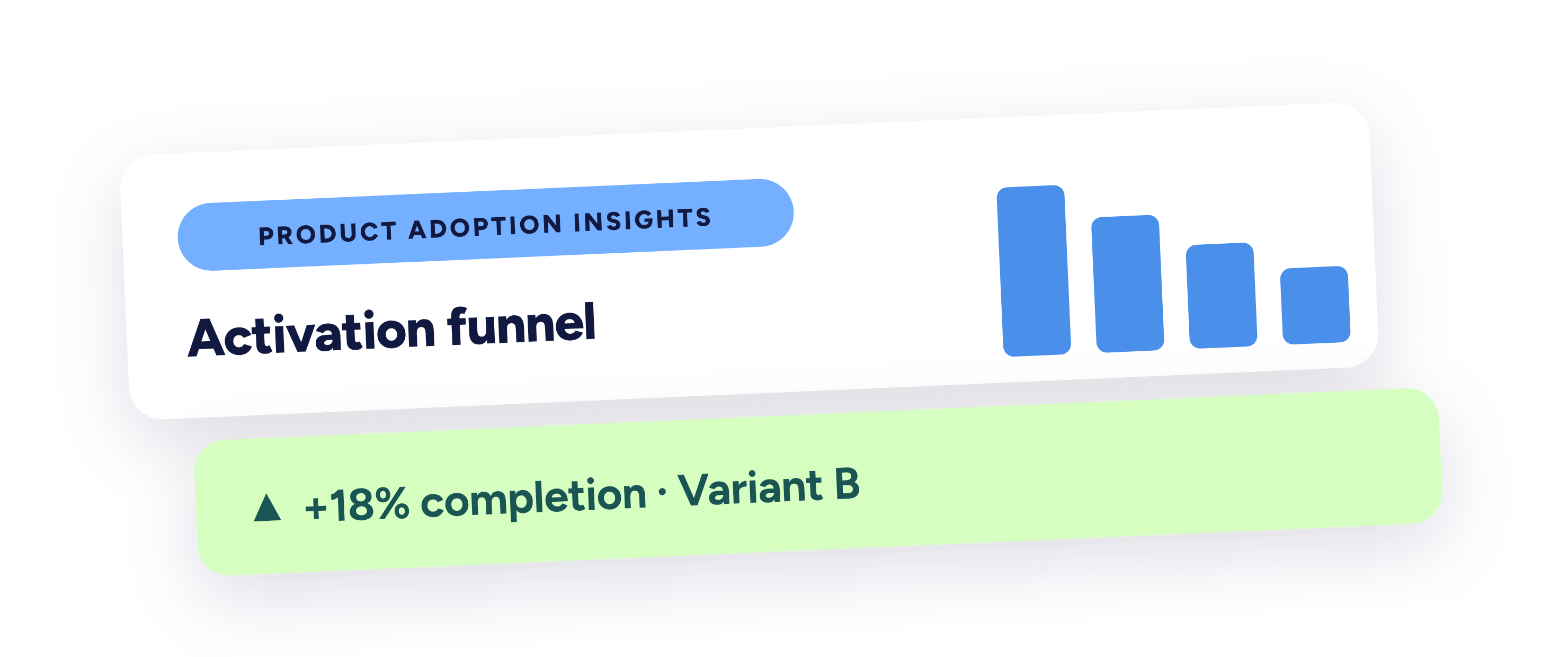
Studio doesn't just deploy—it shows you what's working. Product Adoption Insights gives you funnel analysis and advanced segmentation, and built-in A/B testing lets you compare approaches head to head. See which experiences move adoption and which need a rethink. So every flow you ship is one you can measure, improve, and prove.
Built for teams driving adoption

Product & Growth

Script the journey that turns signups into power users.

Target onboarding and adoption flows to the exact users who need them
A/B test, branch, and iterate without waiting on a release cycle
Track adoption with funnel analysis and advanced segmentation built in
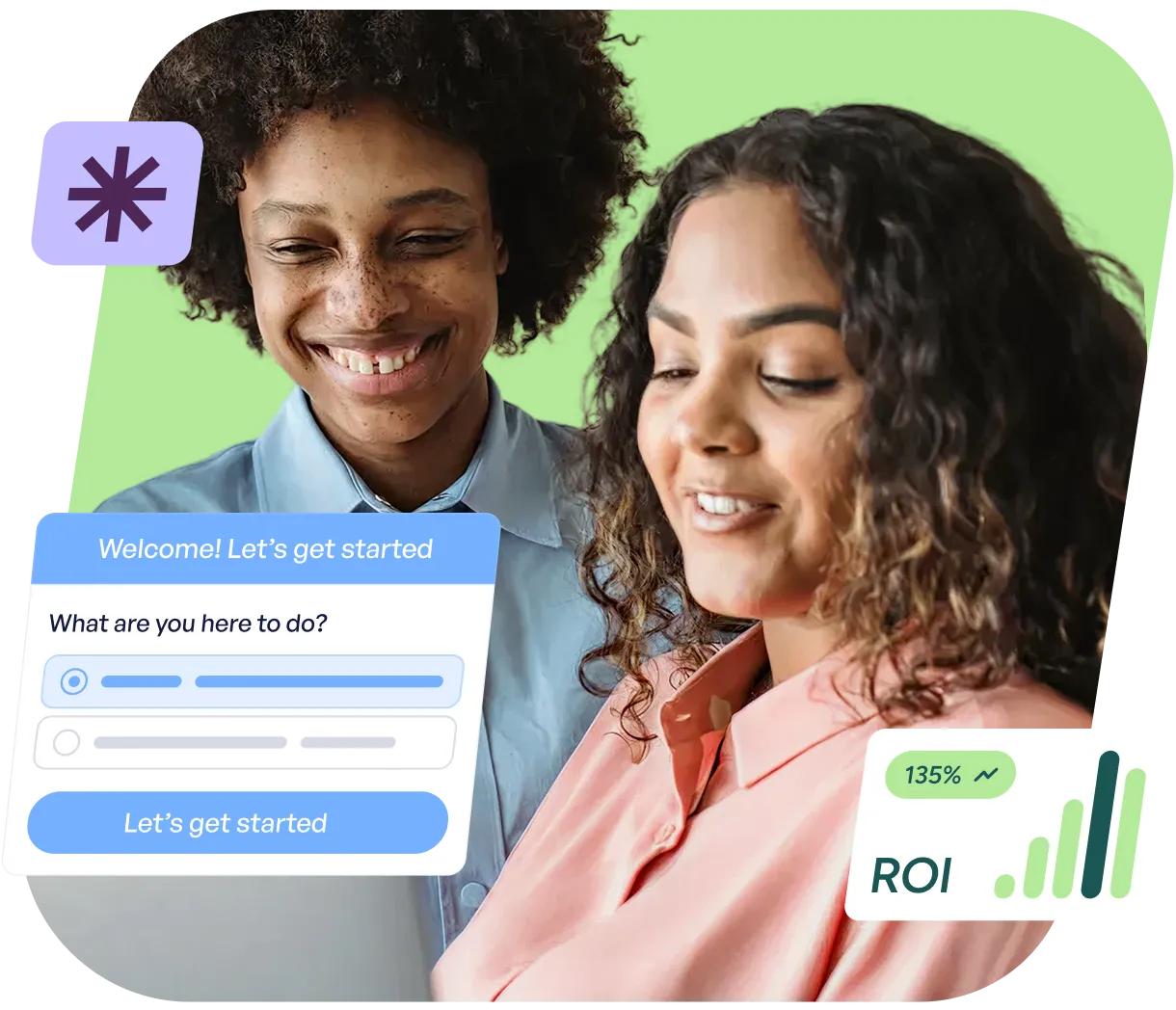
Two people smiling and looking at a laptop screen with a dialog box showing options and a button labeled 'Let's get started', alongside a graphic showing ROI growth at 135%.

Customer Marketing

Drive feature adoption without a campaign or a code change.

Launch in-app announcements and walkthroughs the moment a feature ships
Reach the right segment with the right message, automatically
Turn product launches into adoption, not just emails
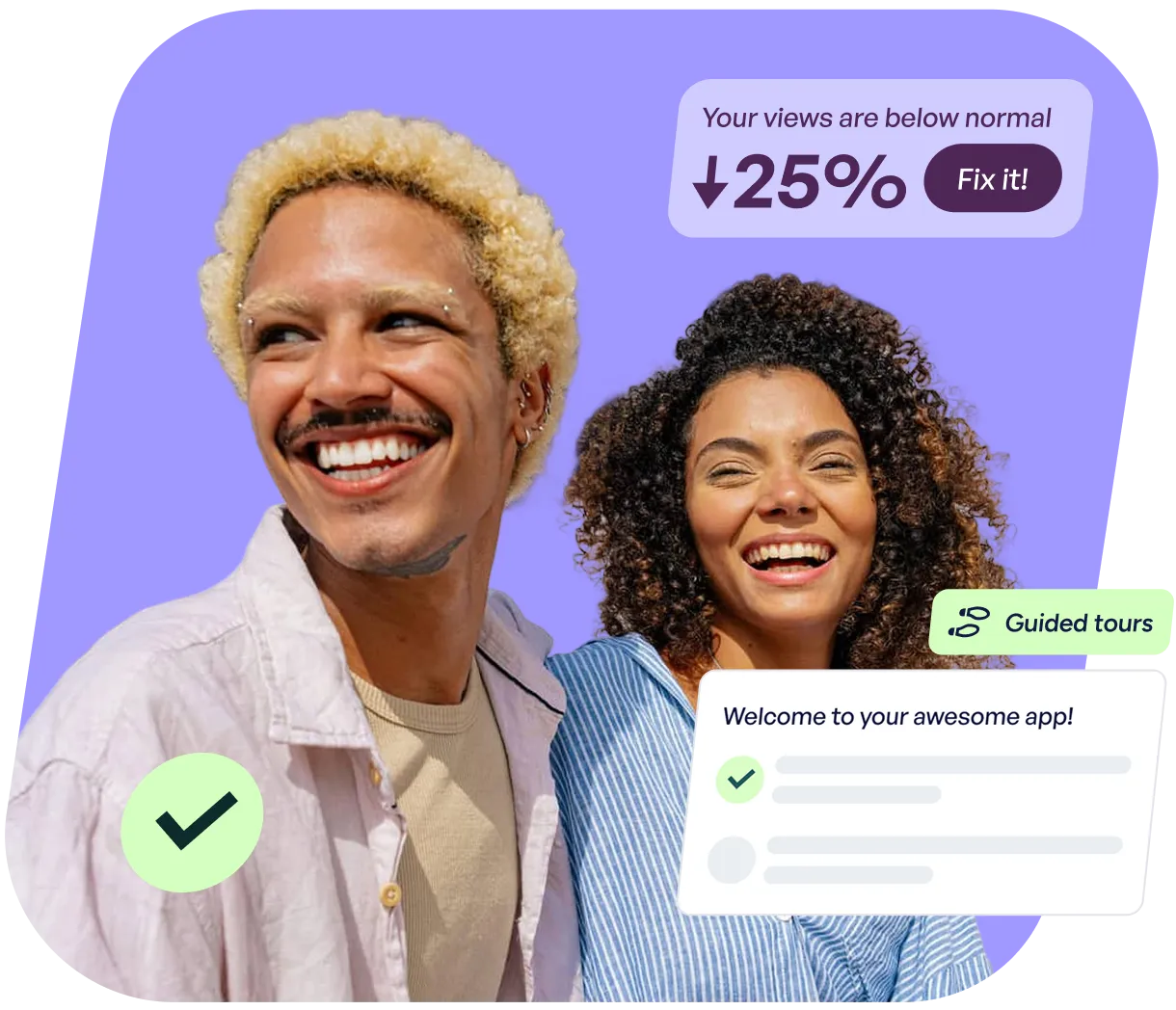
Smiling man with curly blond hair and woman with curly dark hair on a purple background with app interface elements showing a 25% decrease in views and a welcome message.

Part of the full Adoption Platform

Adoption Studio is one of two ways Userflow guides users to value.

Adoption Studio

Studio reaches them proactively, before they need help.

Adoption Agent

Adoption Agent is there the moment they ask.

Both run off the same flow library—build a flow once, and it’s available to either. Start with one, add the other when you’re ready.

See plans and pricing

FAQs

Clear answers to common questions

Still have questions?

Our team is happy to help, whether you’re
just exploring or ready to get started.

What can I build with Adoption Studio?

The full content suite: tours, checklists, surveys, NPS, banners, tooltips, and resource center entries—all no-code, all targetable to specific users and moments.

How does Studio decide who sees what?

You decide. Set auto-start conditions and targeting by page, event, attribute, segment, behavior, or schedule. Studio deploys each experience automatically to the users who match, when they match.

Can I test and measure what I build?

Yes. Studio includes A/B testing, branching, and priority and frequency rules, plus funnel analysis and advanced segmentation, so you can see what drives adoption and improve what doesn't.

Does setting up Adoption Studio require engineering?

No. You build and deploy experiences without code. (You will need the Userflow snippet installed for users to see your experiences, which takes a few minutes.)

How do I get Adoption Studio?

You can trial Adoption Studio free for 14 days, no credit card required, with full access to its functionality. See plans and pricing →

Still have questions?

Our team is happy to help, whether you’re
just exploring or ready to get started.