Scale onboarding. Reduce friction. Prevent churn.

Userflow gives Customer Success teams a proactive, in-product system to guide users forward without overwhelming your team.

Stop reacting. Start guiding.

Customer Success teams are often stuck in reactive mode.

Users get stuck.

Tickets come in.

Adoption stalls. Renewals become risky.

Userflow embeds guidance directly inside your product, so users get clarity before they escalate issues. Fewer tickets. More momentum.
Onboard at scale

Use in-app onboarding, checklists, and contextual guidance to help new customers activate faster.

Learn more
Learn more
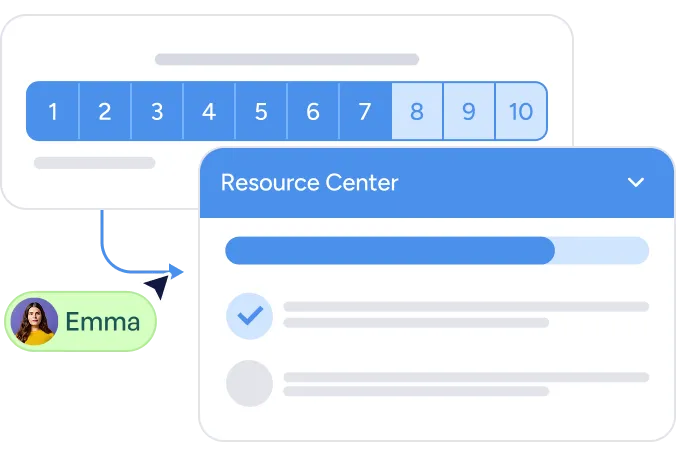
User interface with a numbered pagination bar from 1 to 10, a dropdown panel titled Resource Center showing a progress bar, selected and unselected list items, and a user avatar labeled Emma pointing to the interface.
Guide users through onboarding independently
Reinforce key workflows during early adoption
Free your team to focus on high-impact accounts
User interface with a numbered pagination bar from 1 to 10, a dropdown panel titled Resource Center showing a progress bar, selected and unselected list items, and a user avatar labeled Emma pointing to the interface.

Intervene before churn happens

Surface re-engagement prompts and guidance before risk turns into churn.

Learn more
Learn more
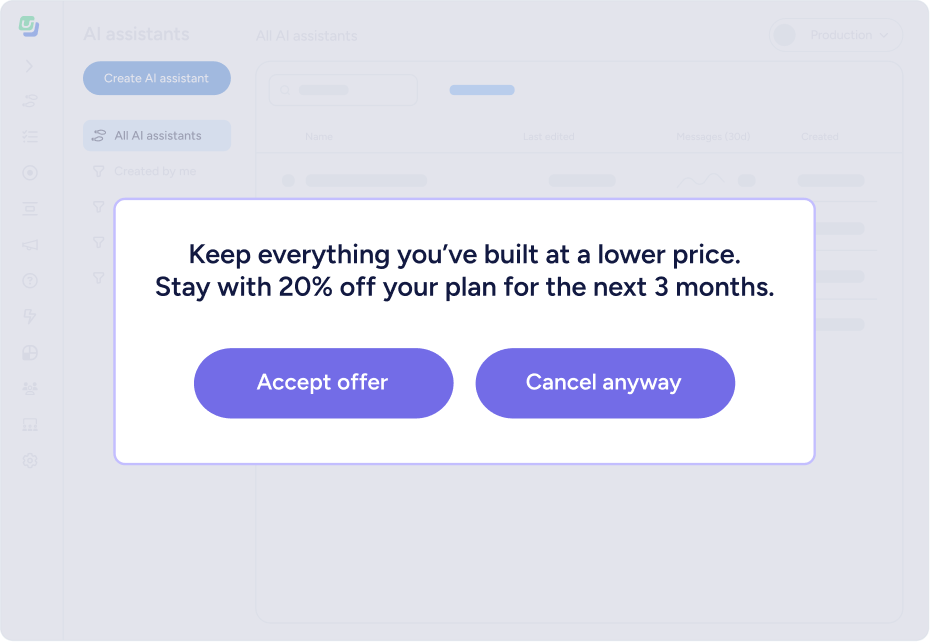
Popup message offering 20% discount on plan for 3 months to keep everything built, with buttons to accept offer or cancel anyway.
Trigger guidance when engagement drops
Reinforce key behaviors before renewal conversations
Turn retention into a proactive motion
Popup message offering 20% discount on plan for 3 months to keep everything built, with buttons to accept offer or cancel anyway.

Reduce repetitive support work

Answer common questions and guide users directly inside the product.

Learn more
Learn more
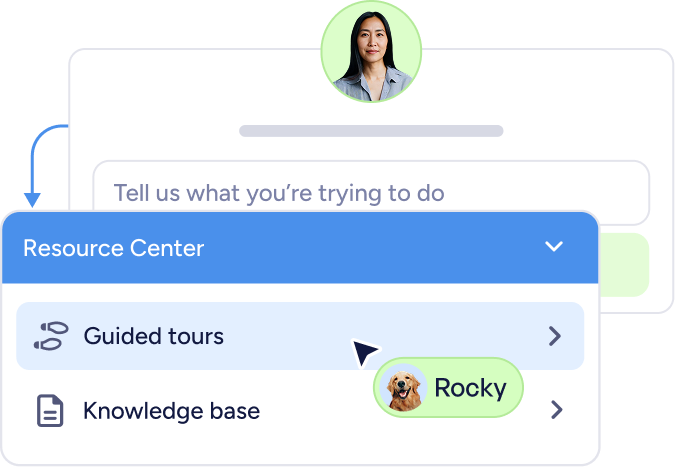
Chat interface with a user photo above a text input field saying 'Tell us what you’re trying to do' and a dropdown menu titled Resource Center showing options Guided tours and Knowledge base, with a cursor pointing at Guided tours and a pet photo with the name Rocky.
Walk users through key tasks step-by-step
Reduce repetitive tickets and support load
Help customers succeed without waiting for help
Chat interface with a user photo above a text input field saying 'Tell us what you’re trying to do' and a dropdown menu titled Resource Center showing options Guided tours and Knowledge base, with a cursor pointing at Guided tours and a pet photo with the name Rocky.
Two women smiling and looking at a laptop screen together.
Ryo Chiba
Co-founder

“Topic saw a 30–50% churn reduced to nearly zero after implementing structured in-app guidance with Userflow.”

30%-50%
churn reduction