
In-app surveys that turn feedback into clear product signals
In-app feedback is easy to collect. Insight is harder.
trust and even harder to turn into a clear next step.

Traditional surveys often appear out of context

Get ignored or misunderstood

Sit disconnected from real product behavior
Userflow surveys are different
They’re triggered intentionally, based on what users are doing, so feedback is timely, relevant, and actionable.
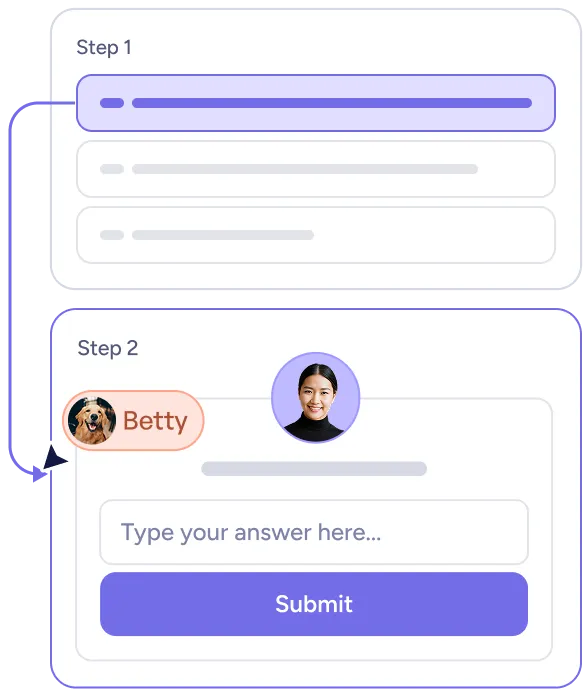
Contextual by design
Trigger surveys based on real product usage, events, or milestones, so feedback reflects what users actually experienced.
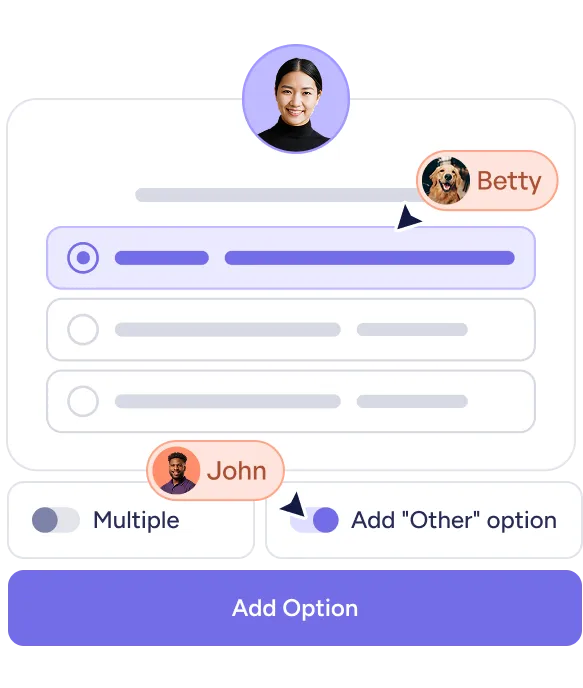
Lightweight and flexible
Launch NPS, CSAT, CES, or custom questions without code — and adapt them as your product evolves.
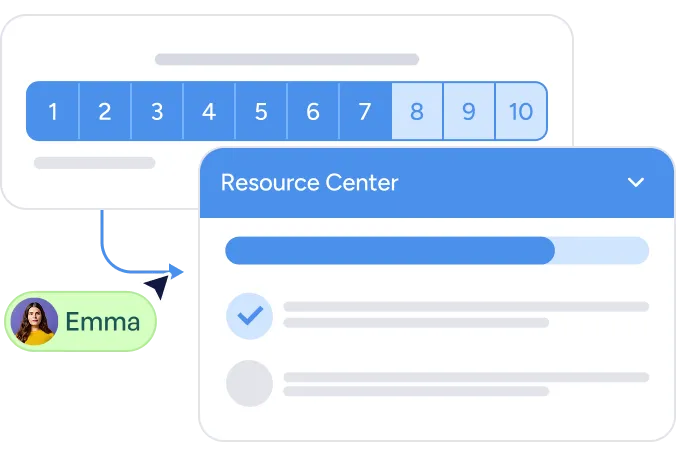
Connected to action
Survey responses don’t live in isolation. Use them to inform in-app guidance, follow-ups, and improvements.
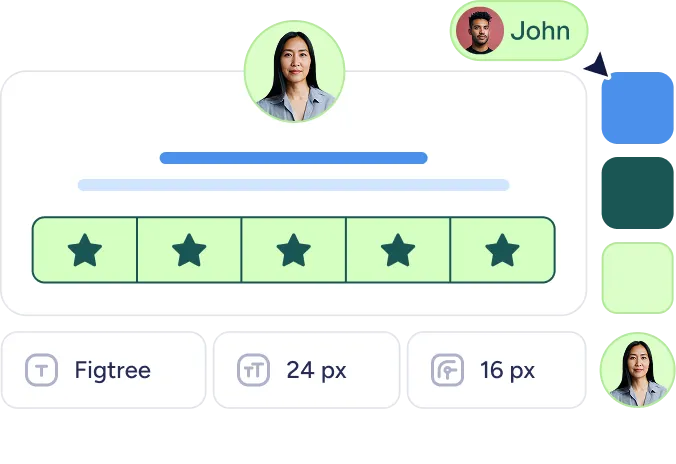
Designed to feel native
Fully customize the look and feel of surveys so they match your product, ensuring feedback feels like part of the experience, not an interruption.
Part of a bigger system
Surveys work alongside onboarding, guidance, and product signals, so learning and action stay connected.
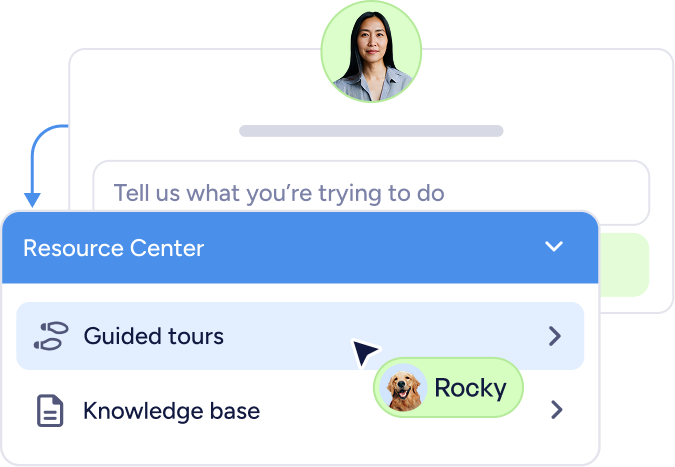
From feedback to improvement, in a simple loop
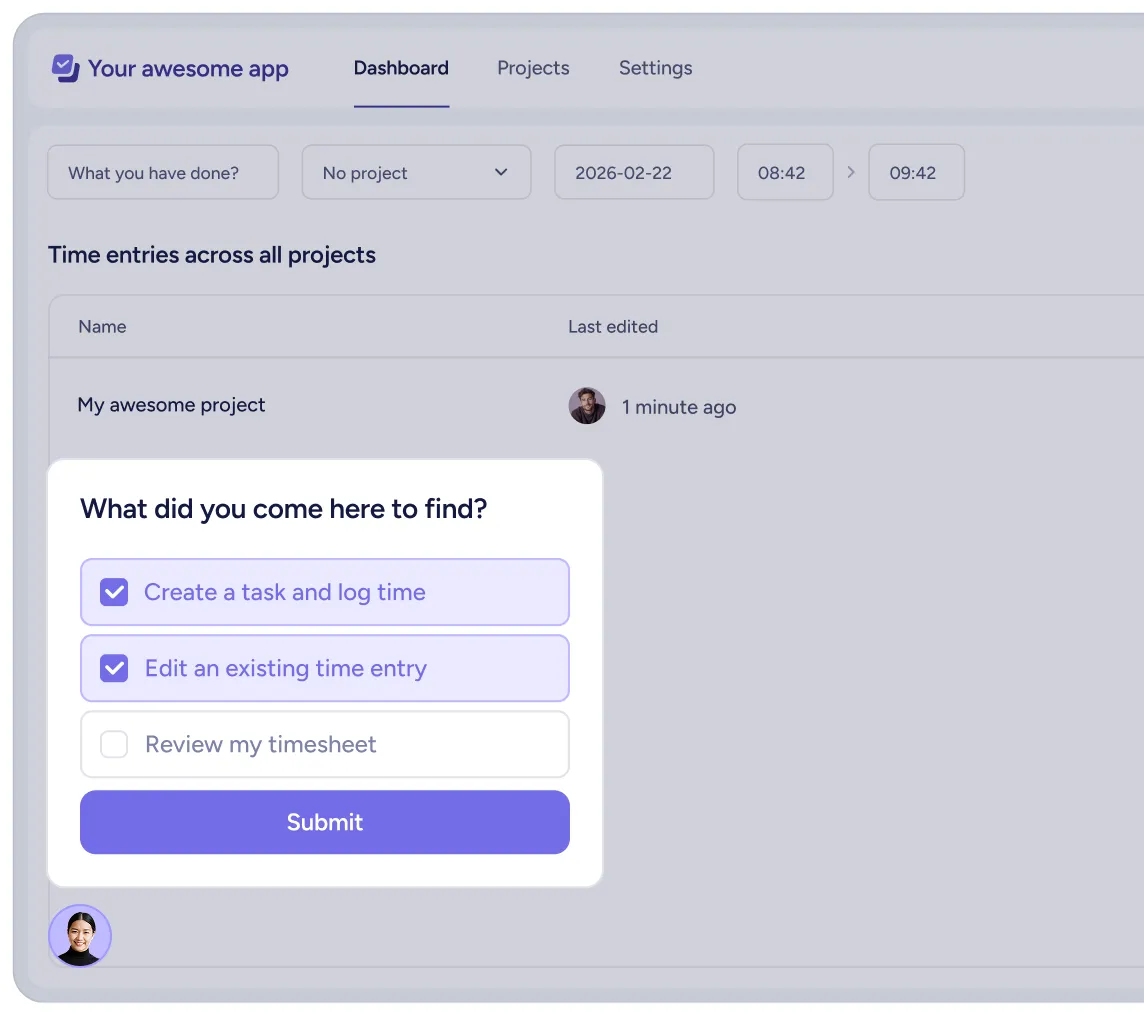
Ask at the right moment
Trigger NPS surveys in app when users complete actions, reach milestones, or show signs of friction.

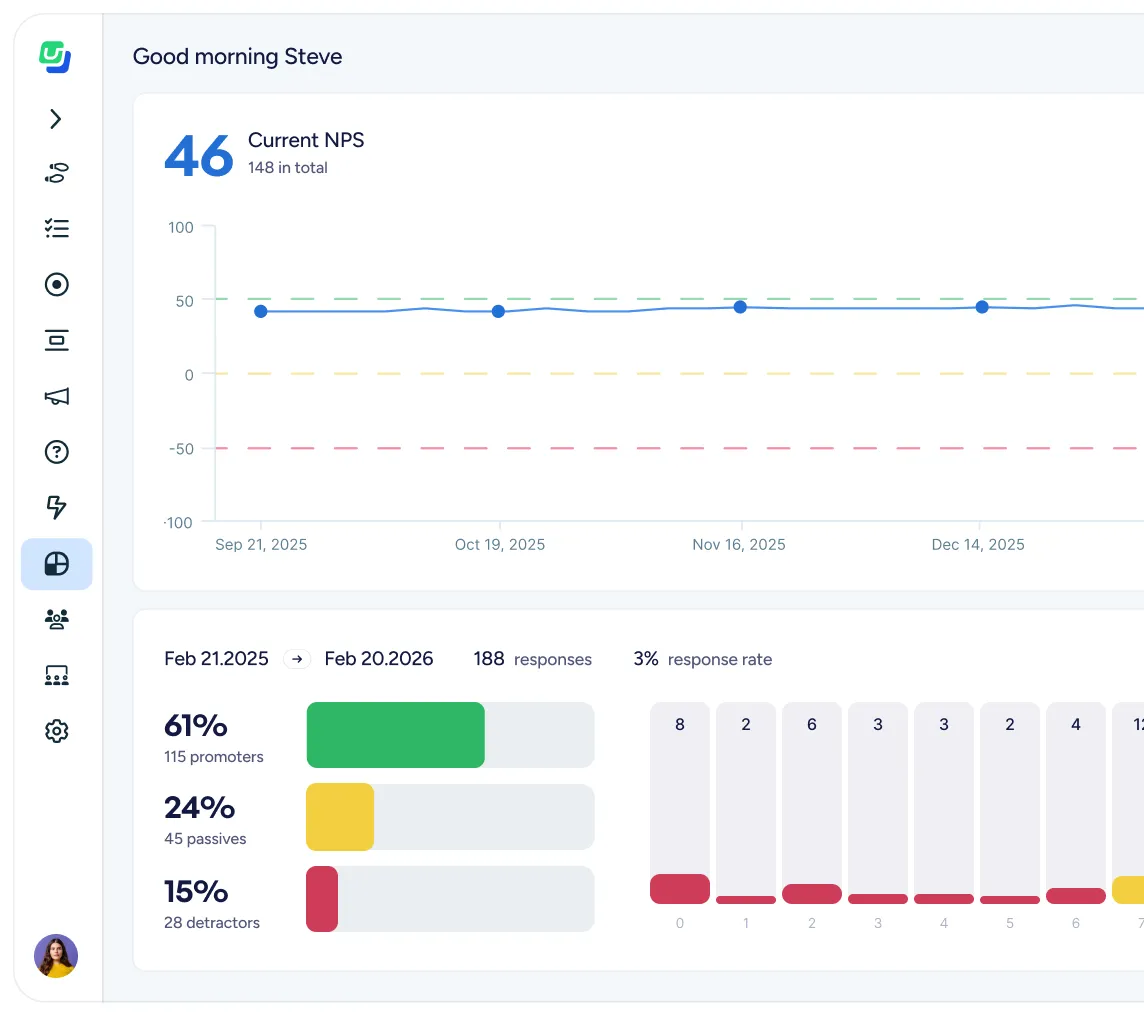
Understand responses in context
See feedback alongside behavior, segments, and outcomes—not as standalone data points.
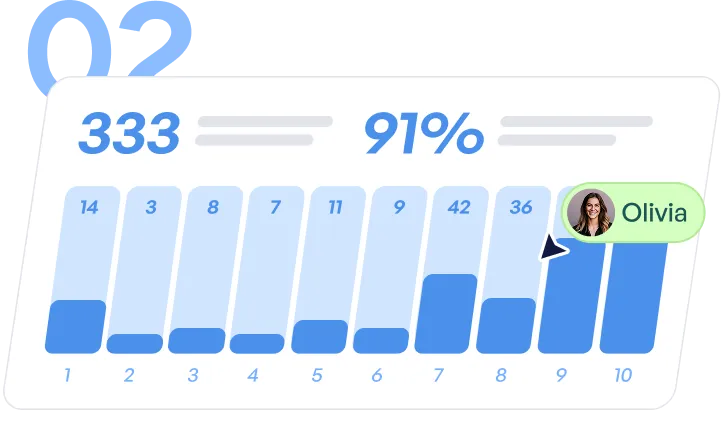
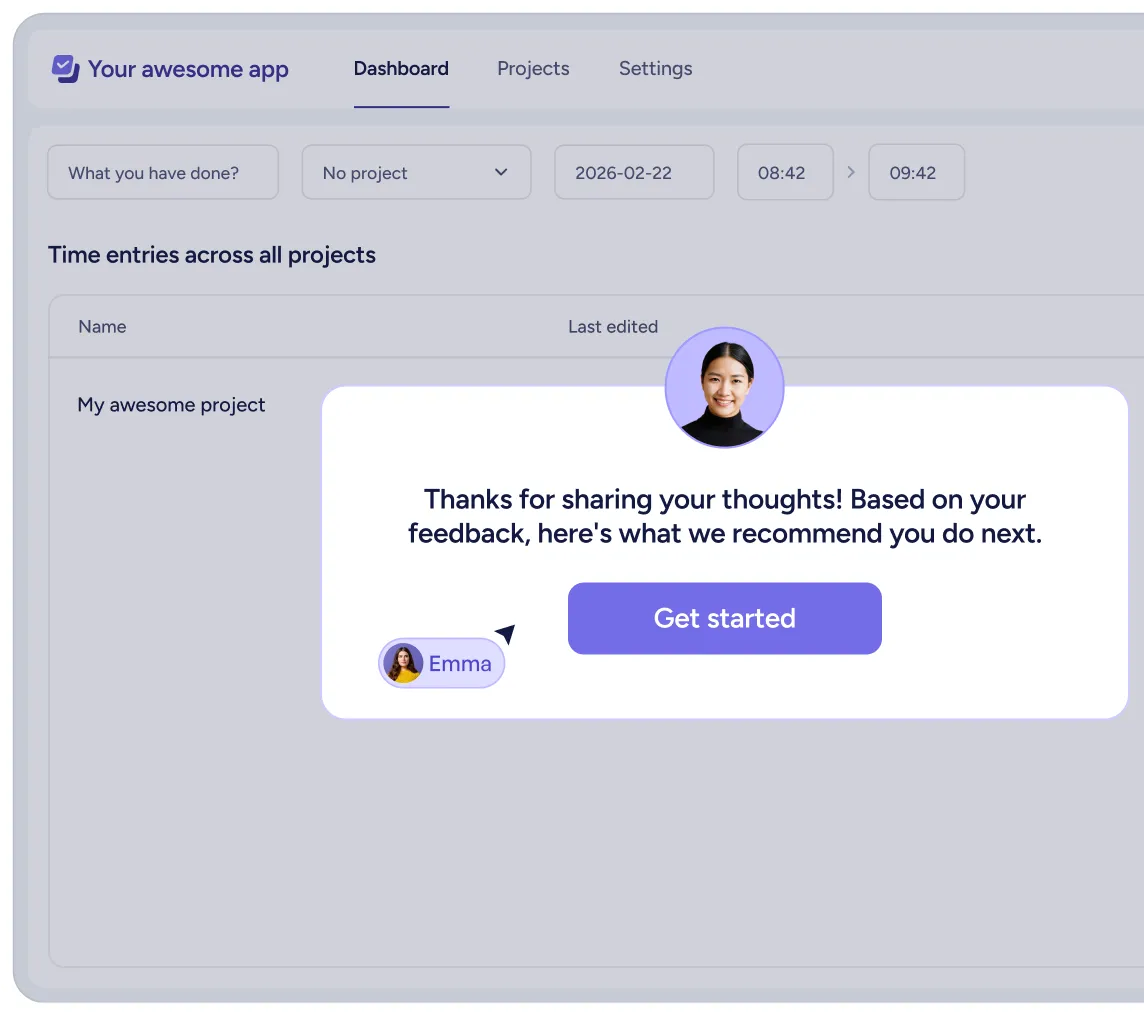
Act and improve based on insights
Use insights to refine onboarding, guide users, and validate changes over time.
Common ways teams use in-app surveys

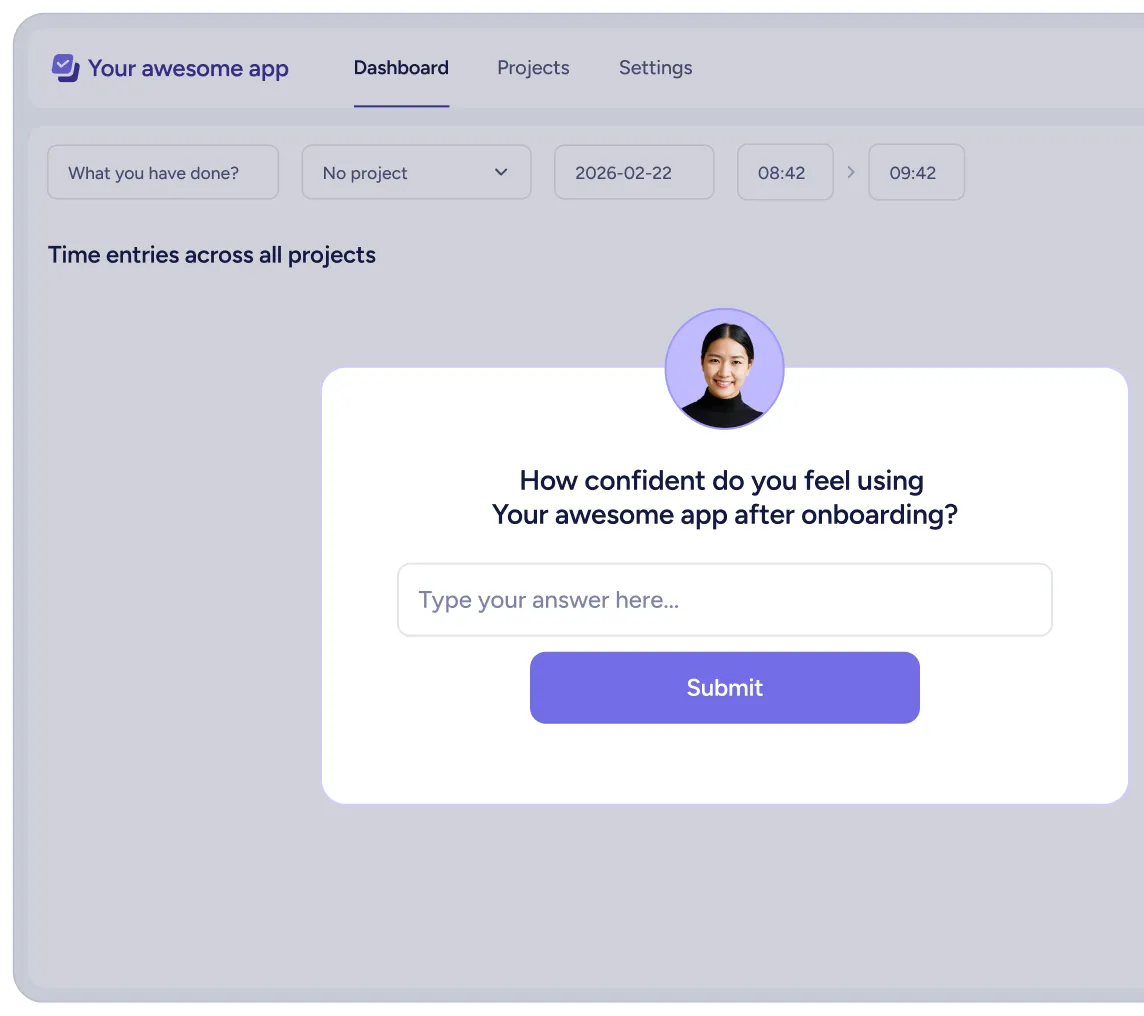
Ask new users how confident they feel after onboarding and identify where guidance needs improvement.

Trigger surveys after feature usage (or avoidance) to learn what’s working and what’s confusing.

Ask new users how confident they feel after onboarding and identify where guidance needs improvement.
.svg)
Follow up on feedback with targeted in-app guidance or education, not generic outreach.
Feedback that fits into your stack.

Route responses to your data stack

Turn responses into segments & audiences

Trigger lifecycle workflows from responses
No siloed feedback. No manual exports.
.png)



“Solutions like Userflow help make sure the voice of our end-user is always accessible to our product team, even if we're one step removed from them.”
FAQs
Clear answers to common questions
Run NPS, CSAT, CES, or fully custom surveys—single-question or multi-step.
No. Surveys can be created, targeted, and updated without code or engineering support.
Yes. Surveys can be triggered based on events, attributes, segments, or lifecycle stage.
Responses are available inside Userflow and can be sent to your other tools via integrations.
In-app surveys are contextual, timely, and tied directly to product usage, making responses more relevant and actionable.
Still have questions?
Our team is happy to help, whether you’re just exploring or ready to get started.