Own activation. Drive product adoption. Prove impact.

Userflow gives Product and Growth teams a single system to launch, measure, and improve in-app onboarding, without engineering bottlenecks.

You’re accountable for product adoption and outcomes, but often depend on engineering to influence them. Userflow puts adoption directly in your hands.
Launch without waiting

Build product-led onboarding, feature nudges, and lifecycle guidance directly inside your product.

Learn more
Learn more
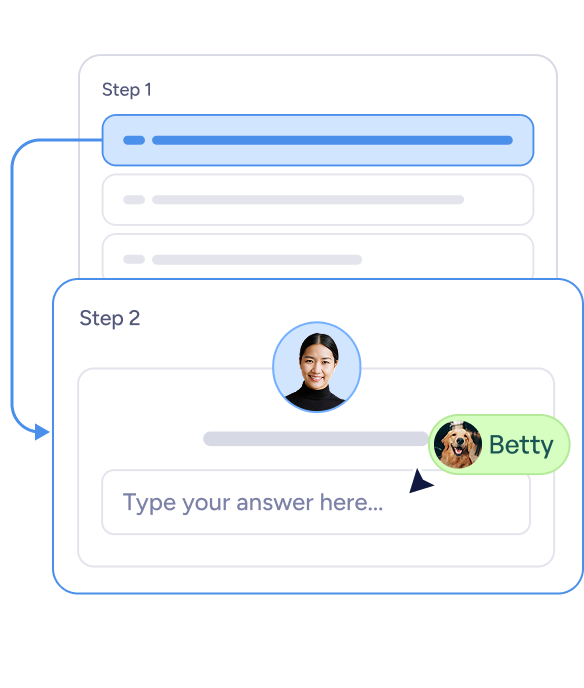
Two-step chat interface showing Step 1 with a highlighted progress bar and Step 2 with a profile picture, a text input box labeled 'Type your answer here...', and a message bubble from Betty with a dog avatar.
Create onboarding flows and in-app guidance without engineering
Launch updates and feature prompts instantly
Move at the speed of product, not sprint cycles
Two-step chat interface showing Step 1 with a highlighted progress bar and Step 2 with a profile picture, a text input box labeled 'Type your answer here...', and a message bubble from Betty with a dog avatar.

Turn behavior into action

Trigger guidance based on real product signals to drive feature discovery and adoption.

Learn more
Learn more
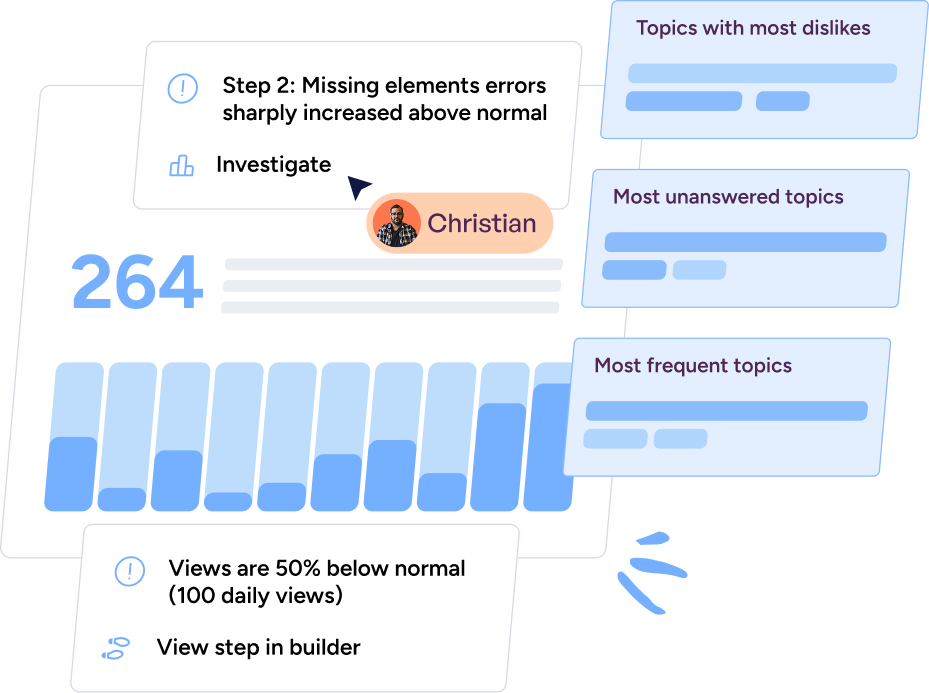
Dashboard showing 264 with a bar chart, notes about missing element errors sharply increased and views 50% below normal, with user Christian and topic categories for most dislikes, unanswered and frequent topics.
Show guidance when users interact with key features
Respond to lifecycle milestones and usage changes
Replace static segments with real behavioral triggers
Dashboard showing 264 with a bar chart, notes about missing element errors sharply increased and views 50% below normal, with user Christian and topic categories for most dislikes, unanswered and frequent topics.

Experiment with confidence

Every flow, tooltip, checklist, and announcement connects to measurable behavior.

Learn more
Learn more
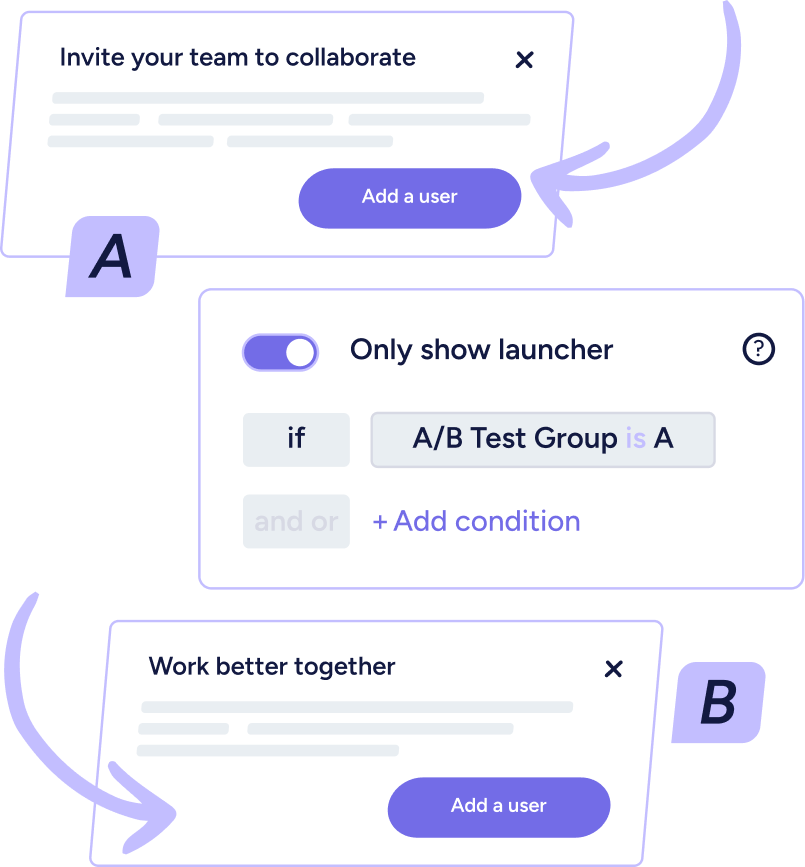
Diagram illustrating two versions of a user interface with labels A and B, showing conditional display settings for 'Only show launcher' if 'A/B Test Group is A.' Both versions have buttons labeled 'Add a user.'
See which experiences drive feature adoption
Identify where users get stuck or drop off
Iterate quickly based on real product data
Diagram illustrating two versions of a user interface with labels A and B, showing conditional display settings for 'Only show launcher' if 'A/B Test Group is A.' Both versions have buttons labeled 'Add a user.'
SPARETECH company logo

“Simply put, Userflow is a superpower for product teams.”

Thomas Karbe
Senior Product Manager