
Userflow MCP: Userflow, in any AI tool
Most product data lives in dashboards.

You toggle between Userflow, Mixpanel, and a doc when summarizing for stakeholders.

You build the same chart every Monday.

You wait for an analyst to answer 'why is X dropping off?'
Userflow MCP turns your product data into something your AI tools can answer—in seconds, without leaving the tool you're already in.
Skip the dashboard. Get the answer.
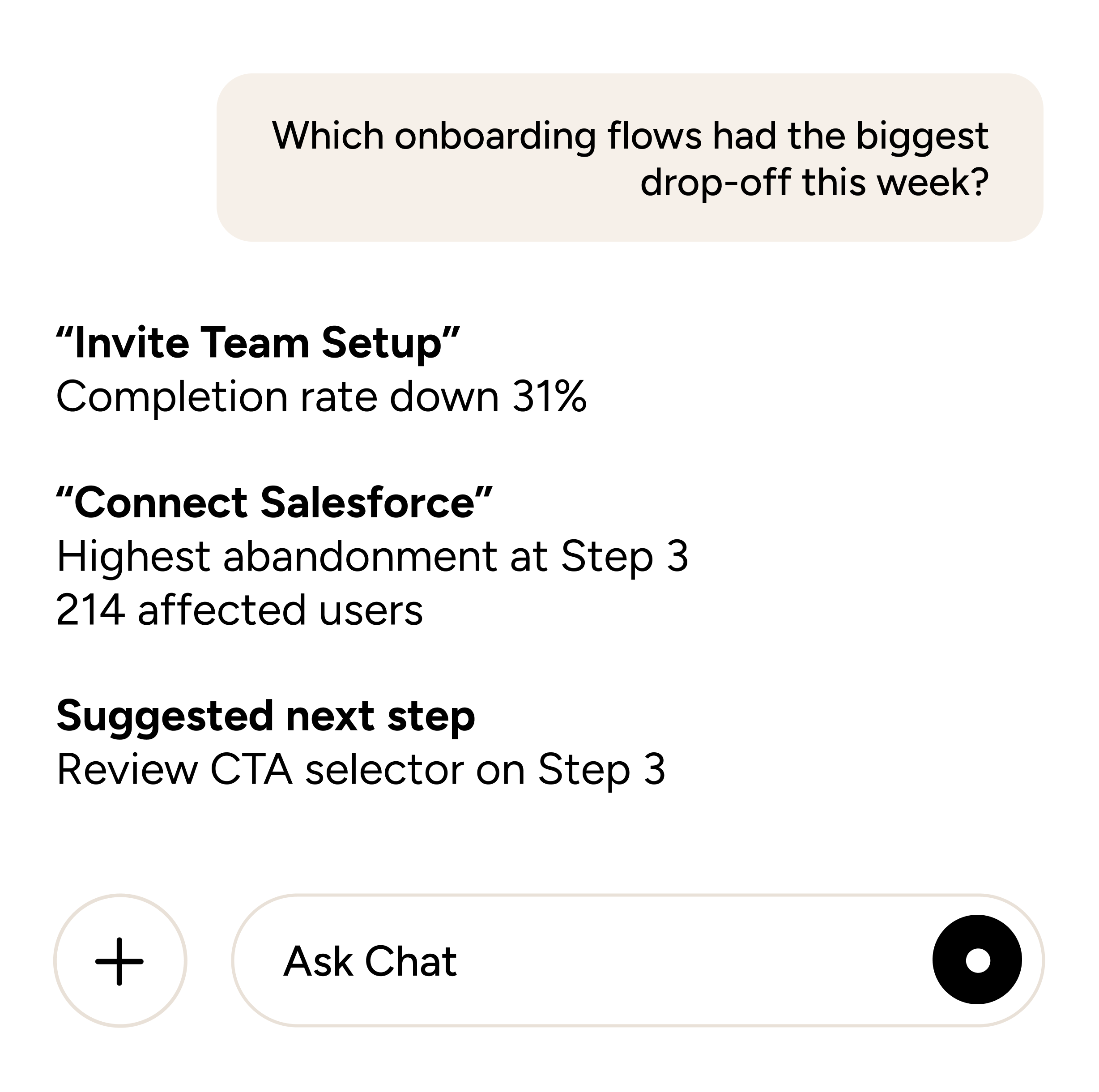
Ask Claude, ChatGPT, Gemini, or your favorite AI tool about your flows, NPS, or user behavior—answers come straight from live Userflow data.
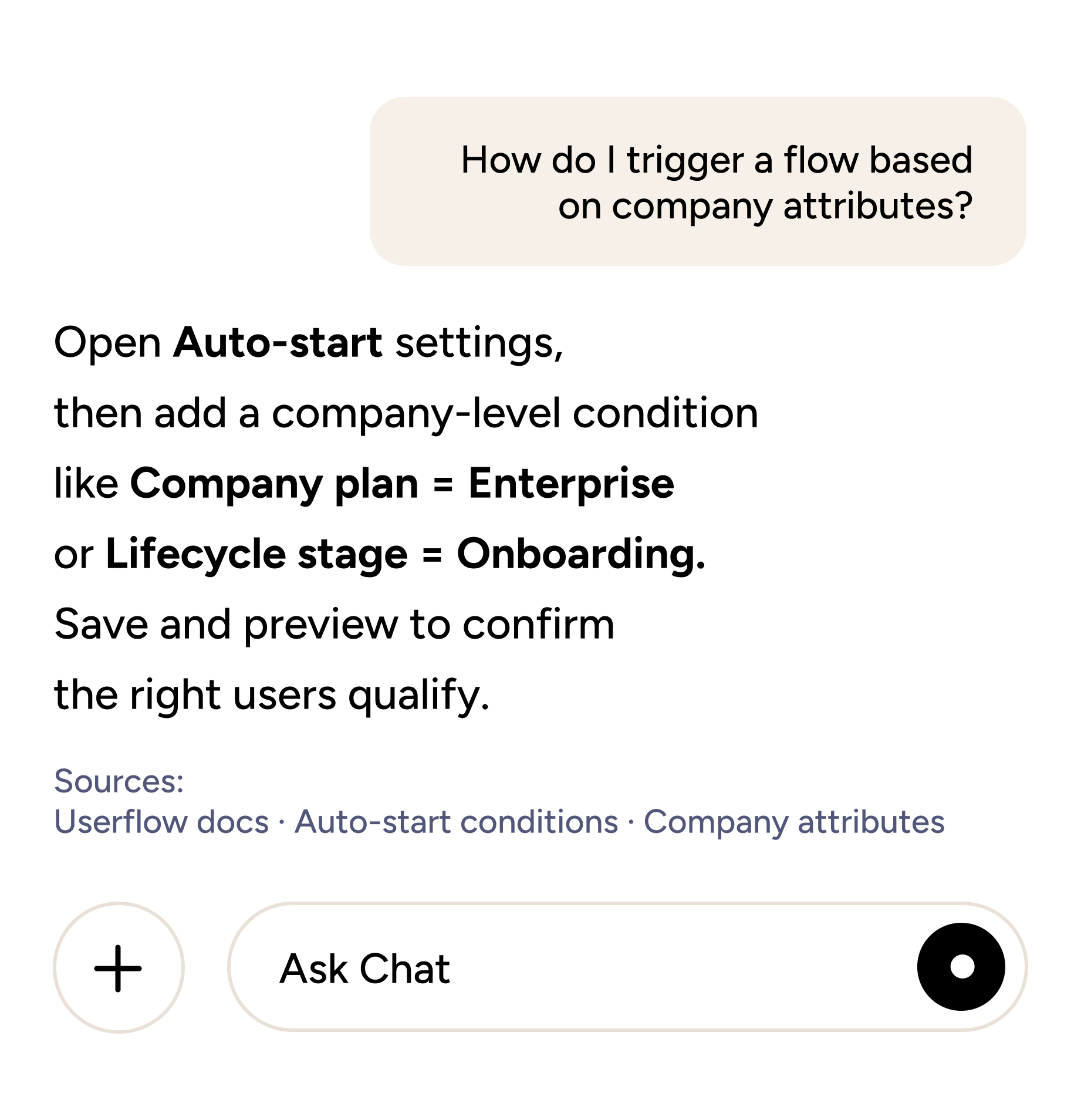
Get product answers without leaving your AI tool
Ask how-to questions about Userflow features. Get answers from your knowledge base, with citations—right in your AI tool.
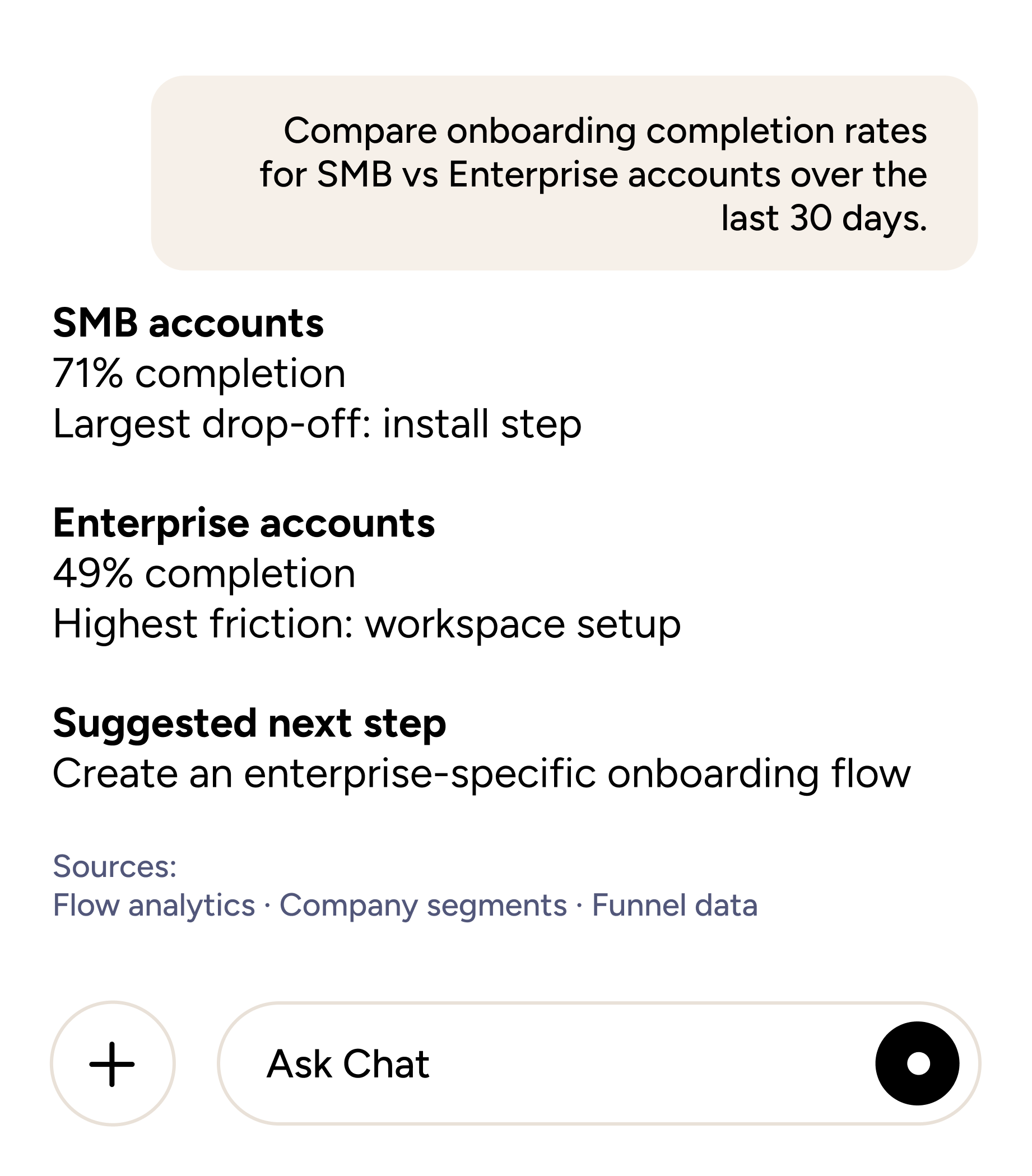
Be your own analyst
Compare flow performance, segment engagement, and account behavior. Answer the kinds of questions that used to need a data team.
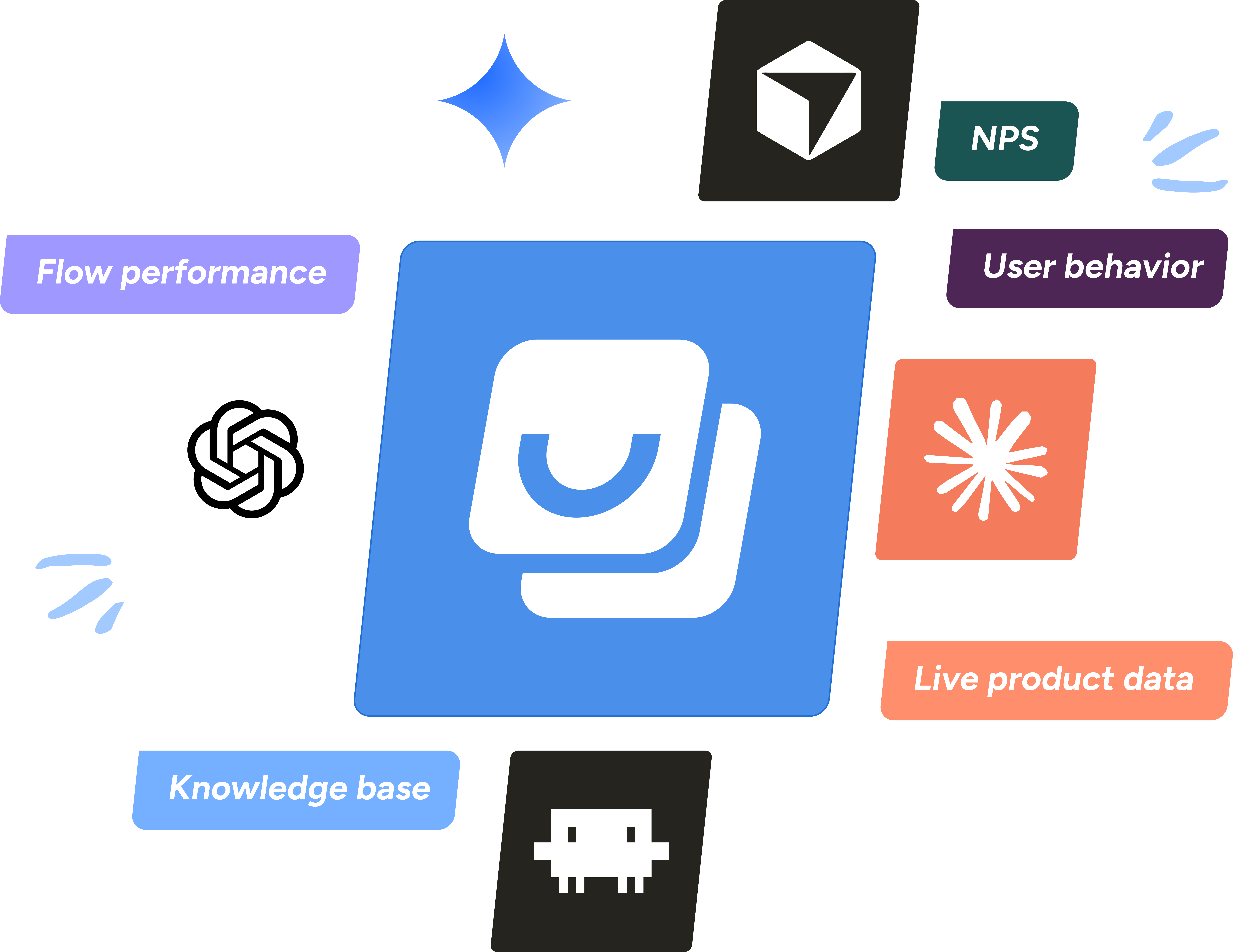
Built into the AI tools your team already uses
Works in Claude Desktop, ChatGPT, Cursor, Claude Code, Gemini, and more AI tools today via custom MCP. Native marketplace availability and AI-driven actions are coming soon.
Not everyone on your team logs into Userflow. Everyone benefits from what's in it.
Product data shouldn't be locked behind a tool only some of your team uses. With Userflow MCP, anyone with access to your favorite AI tool can ask about your flows, drop-offs, and NPS—no Userflow login required.

Product & Growth

Customer Success
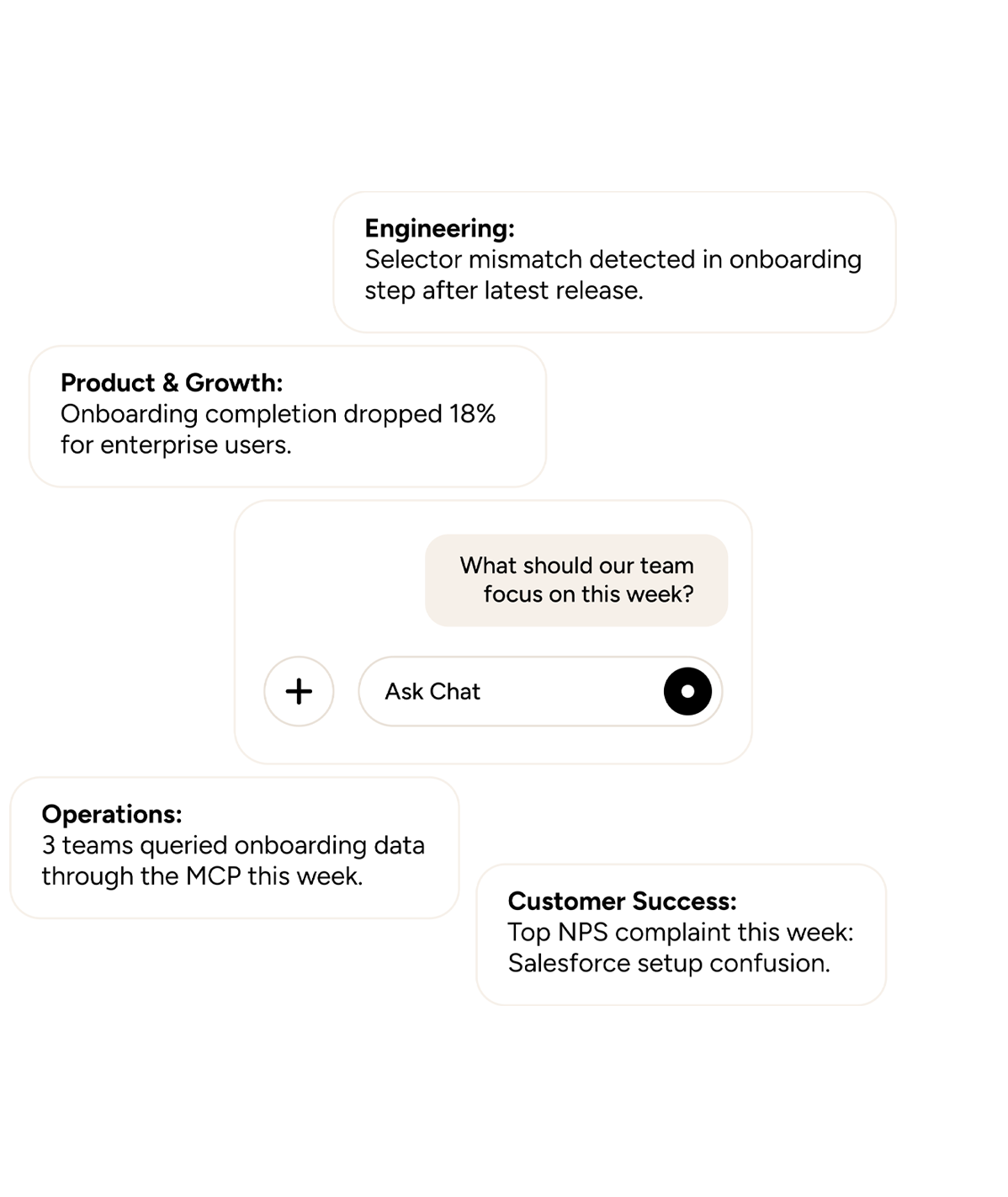

Engineering

Operations
Built for where AI workflows are headed
FAQs
Clear answers to common questions
Userflow MCP lets you connect Userflow to AI tools like Claude, ChatGPT, Gemini, Cursor, and Claude Code. From inside any of those tools, you can ask questions about your flows, NPS, user behavior, and knowledge base—no Userflow login required. MCP stands for Model Context Protocol, an open standard for connecting AI tools to external systems and data.
Anything about your flow performance, NPS responses, segment data, user behavior, or knowledge base. Examples: "Which step in the Trial Signup flow has the highest drop-off?" / "Summarize NPS responses from the last 30 days." / "How do I trigger a flow based on a custom attribute?" For 50+ tested examples, see our Userflow MCP use-cases library.
The Userflow MCP works with any AI tool that supports custom MCP connections—including Gemini, ChatGPT, Cursor, and Claude Code.
Yes, the Userflow MCP is available on all plans.
Not yet. This first version connects via custom MCP—admins generate an API token in Userflow and paste it into Claude or ChatGPT's custom-connector setup. Native availability in AI tools is the next phase.
This is the first step toward a more AI-native way to explore, understand, and act on product adoption data. You can connect via custom MCP today, and native availability in Claude, ChatGPT, Gemini, and other AI tools is coming next. Future updates will expand how teams explore data, automate insights, and take action.
Still have questions?
Our team is happy to help, whether you’re just exploring or ready to get started.