
Your product’s adoption control panel

Turn onboarding and feature discovery into visible, structured progress, so users always know what to do next.

It doesn’t just answer questions. It drives progress. Instead of leaving users to figure out what matters, the in-app resource center gives them a clear path forward, embedded directly inside your product.

One hub. Structured direction.

Bring onboarding, feature discovery, and lifecycle guidance into a single persistent in-product hub.
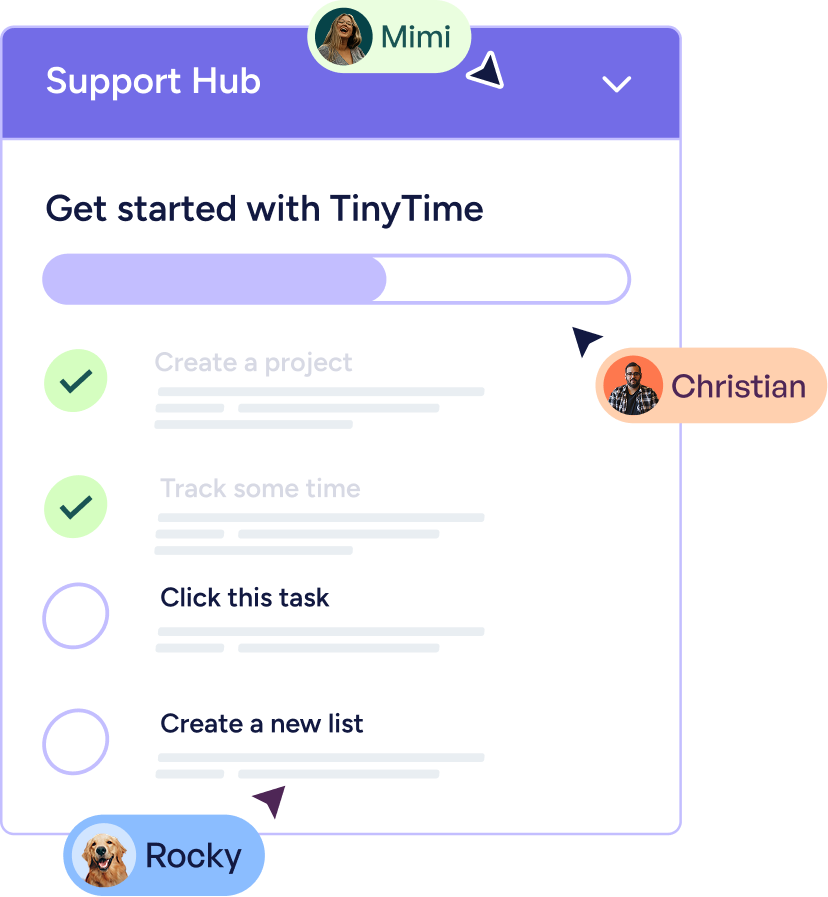
Support Hub task list titled Get started with TinyTime showing completed tasks Create a project and Track some time with check marks, and pending tasks Click this task and Create a new list with cursor pointers labeled Mimi, Christian, and Rocky.
No scattered resources or broken moments
Help users track progress and next steps
Keep users moving forward inside the product
Support Hub task list titled Get started with TinyTime showing completed tasks Create a project and Track some time with check marks, and pending tasks Click this task and Create a new list with cursor pointers labeled Mimi, Christian, and Rocky.

Adaptive by design

The Resource Center evolves based on who the user is, where they are in their lifecycle, and what they’ve done.
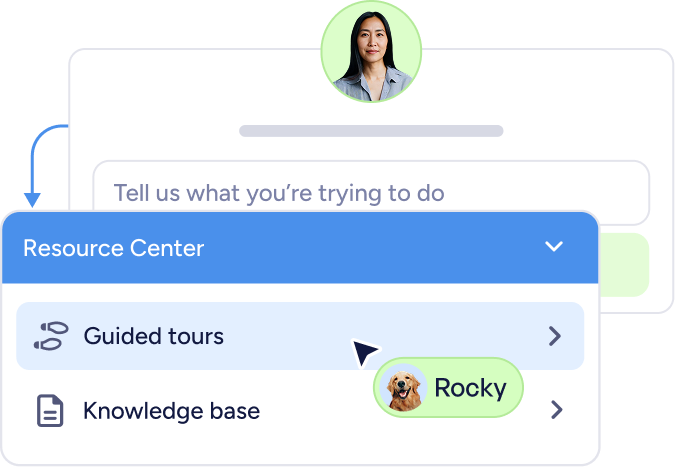
Chat interface with a user photo above a text input field saying 'Tell us what you’re trying to do' and a dropdown menu titled Resource Center showing options Guided tours and Knowledge base, with a cursor pointing at Guided tours and a pet photo with the name Rocky.
Show the right guidance at the right time
Surface what matters most in the moment
Respond automatically to user behavior
Chat interface with a user photo above a text input field saying 'Tell us what you’re trying to do' and a dropdown menu titled Resource Center showing options Guided tours and Knowledge base, with a cursor pointing at Guided tours and a pet photo with the name Rocky.

Onboarding checklists that build activation

In-app checklists turn adoption into something visible. Instead of abstract onboarding flows, users see clear milestones tied to real product actions.

Trigger in-app checklists by role or lifecycle stage

Personalize steps based on product usage
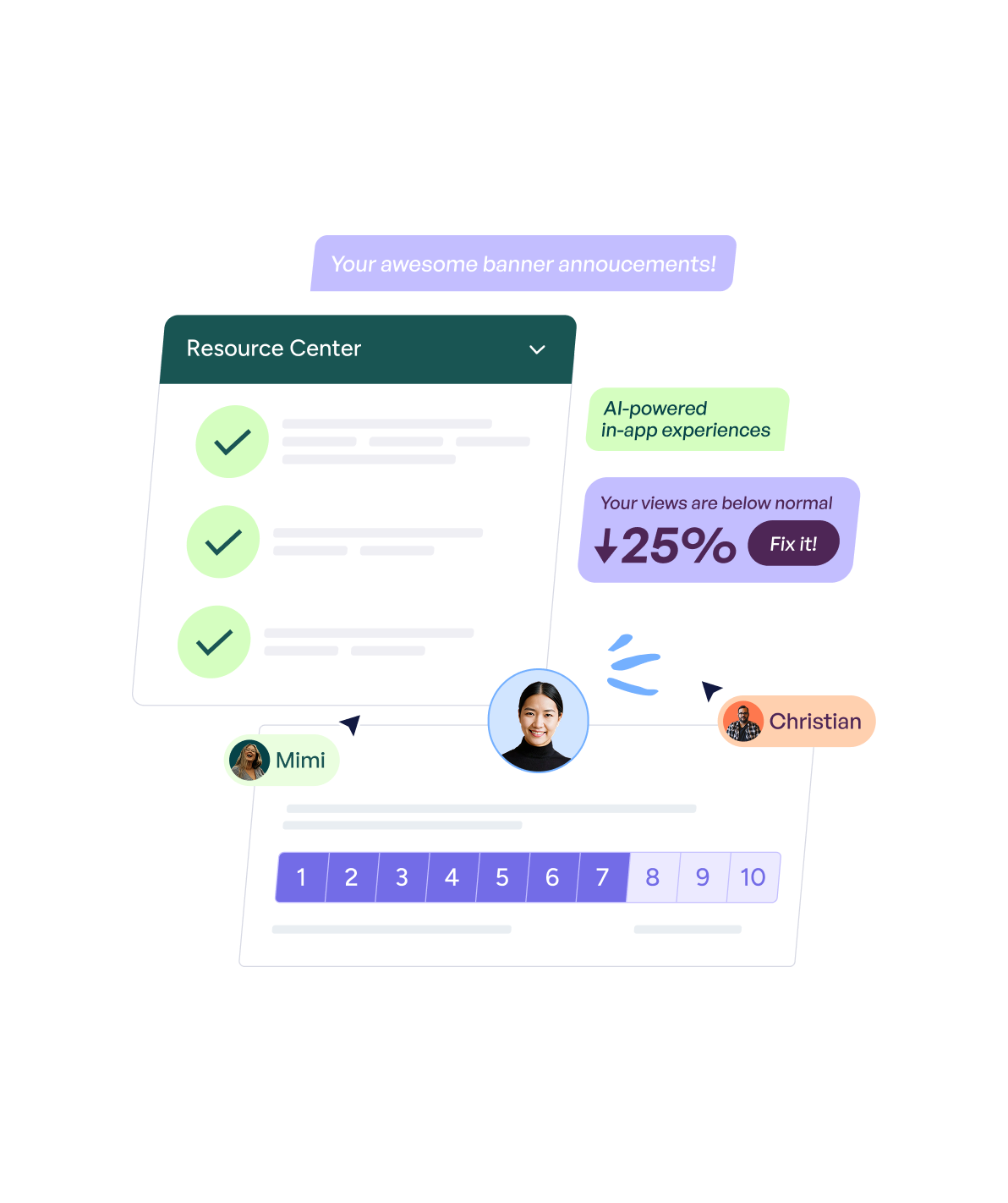
User interface showing a Resource Center list with check marks, AI-powered in-app experiences note, a 25% drop in views warning with a 'Fix it!' button, and profile pictures labeled Mimi and Christian.

Connect milestones to tours, tooltips, or feature pages

Automatically mark checklist steps complete based on behavior

Klevu company logo with two green upward arrows beside the word Klevu in blue.

“Userflow has transformed how we support our customers by delivering timely, relevant information exactly when it's needed…It’s been a game-changer in empowering our users and reducing friction in their journey.”

Danish Refai
Product Manager
