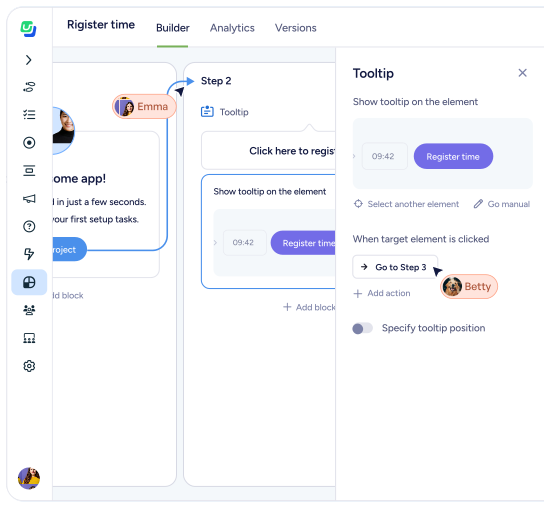
Precision guidance, exactly when it’s needed
Add contextual in-app tooltips and subtle prompts that respond to user behavior, without interrupting their workflow.
Small moments. Big impact.
Users don’t always need a full tour. Sometimes they just need a nudge.

Tooltips and hotspots surface guidance at the exact moment of interaction—when a user hovers, clicks, pauses, or reaches a key step.

No popups. No forced flows.

Just clarity in context.
Contextual guidance that meets users where they are. Surface helpful prompts and explanations exactly when users need them—without interrupting their workflow.
Guide without interrupting
Keep users focused by surfacing guidance directly inside the workflow.
Tooltips appear exactly where users need help—without breaking momentum.
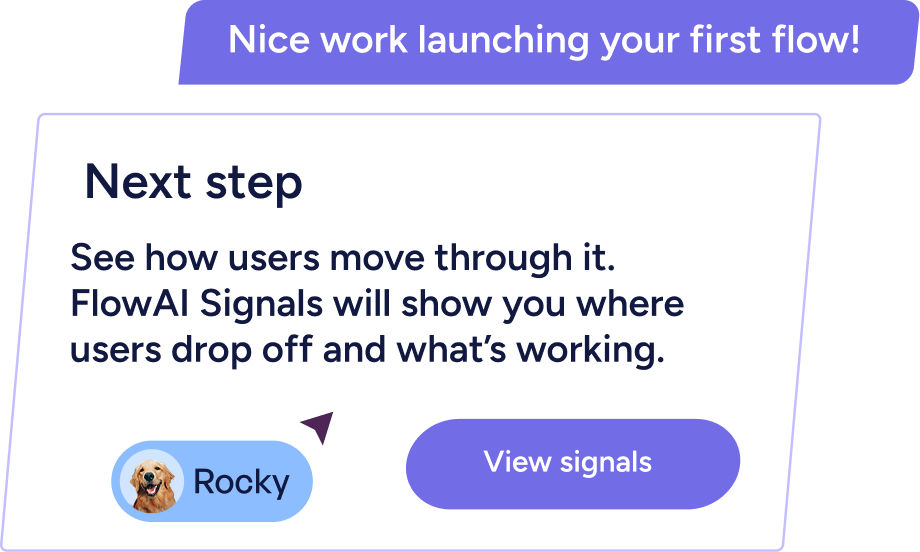
Triggered by real user behavior
Show in-app tooltips on first interaction, when a feature hasn’t been adopted, or when usage crosses a threshold.
Guidance appears when it matters—not randomly on page load.
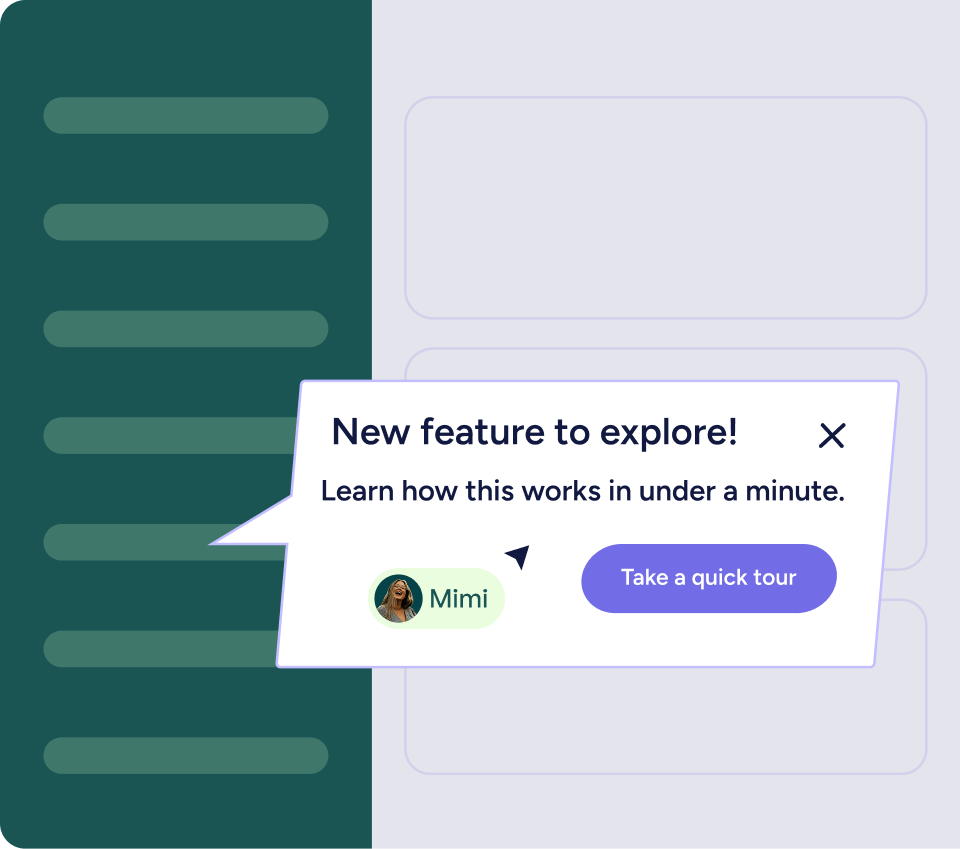
Learn what drives product adoption
See which tooltip nudges drive feature adoption, and which ones need refinement.
Guidance becomes measurable, not decorative.
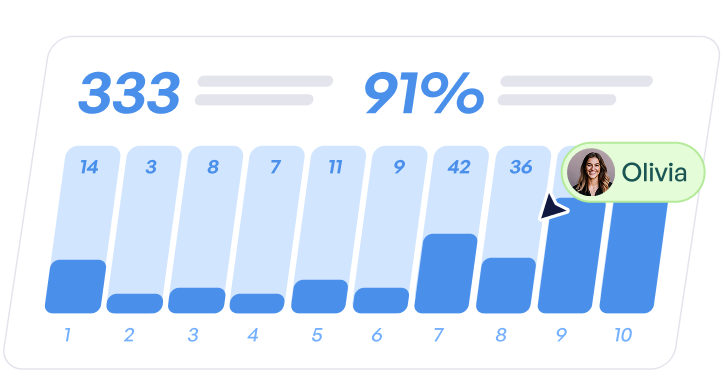
Built for teams who move fast
Tooltips can be created, styled, and launched without engineering support after initial installation.
Customer-obsessed teams can test tooltips in real time, and iterate based on behavior.