Your product’s self-serve command center

Centralize onboarding, guidance, and AI-powered assistance in one persistent in-app help center, so users always know what to do next.

In-app help shouldn’t pull users away from your product.


When users get stuck, they open new tabs, search documentation, or submit tickets.

Every step adds friction.

Every tab switch risks drop-off.

Userflow’s Resource Center
keeps in-app help, guidance, and next steps embedded directly inside your product—so momentum never breaks.

One hub. Clear direction.

Users can see their progress, access contextual in-app help, and discover what matters most—all without leaving the workflow they’re in.
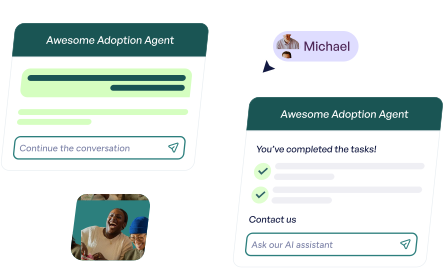
Guided AI-powered assistance

Layer FlowAI Adoption Agent directly into your Resource Center to deliver contextual, in-app guidance in real time. Users don’t just get answers—they can be guided step-by-step through completion.
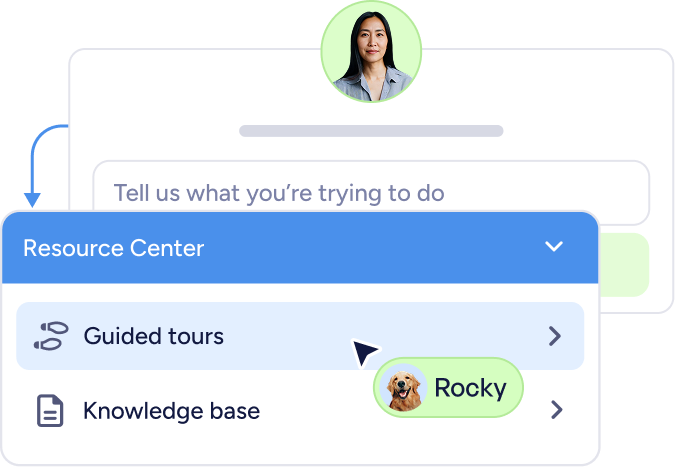
Chat interface with a user photo above a text input field saying 'Tell us what you’re trying to do' and a dropdown menu titled Resource Center showing options Guided tours and Knowledge base, with a cursor pointing at Guided tours and a pet photo with the name Rocky.

Progress builds adoption

Instead of wondering what to do next, users see exactly where they are and what’s left to complete. That visibility builds confidence—and confidence drives action.
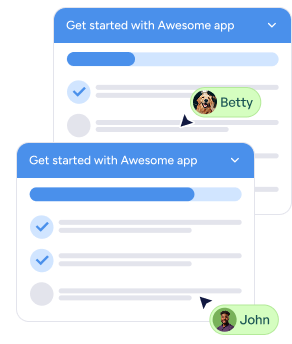
Two chat windows from Awesome app showing messages with user avatars and names Betty and John.

Adaptive by design

Your Resource Center isn’t static. It evolves based on who the user is, where they are in the lifecycle, and how they’re using the product.
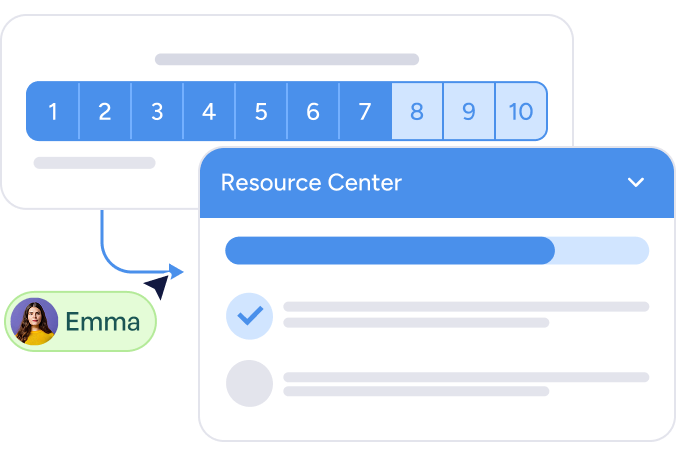
Interface showing a pagination bar with page numbers 1 to 10, highlighted page 7, and a Resource Center panel with a progress bar and checklist item checked, associated with user Emma.

Learn what actually helps

FlowAI Signals surface friction and recurring themes automatically, so you know where clarity exists and where improvement is needed.
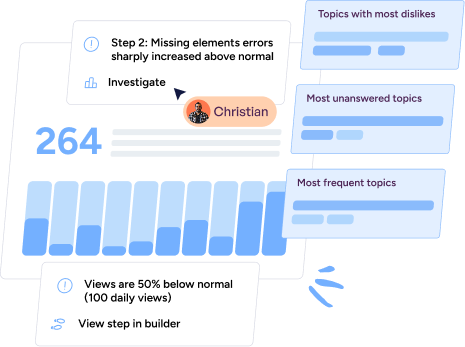
Dashboard showing user Christian investigating a step with 264 views, highlighting a sharp increase in missing element errors and views 50% below normal.

Self-serve in-app support at scale

Two women smiling and looking at a laptop screen together.
Logo with the word 'Vimsa' and 'Dinero' in stylized black font.

“The [Adoption Agent] has been instrumental in enhancing our user support experience. It now enables us to provide continuous assistance to our users 24/7"
- Mikkel Mejldal, Product Manager
Young woman with curly hair and glasses using a laptop while wearing a wireless earbud.

“We basically recreated the experience of having a Customer Success Manager looking over your shoulder, but now it works for thousands of users at once, in their own language.”
— Thomas Karbe, Senior Product Manager