

We've made it easier to conditionally show content depending on the current time. The 2 most common use cases for this are:
- Publishing content that shouldn't go live until a specific time in the future. For example, a feature launch coming up in a few days, or a message related to the time of year, such as remembering a reporting deadline.
- Automatically stop showing content after a period time, after which it's no longer relevant. For example, a new feature that won't be new in 3 months.
Simply use the new Current time condition. It works under any Add condition button in the builder. You can either fill in one of the 2 time fields, or both of them.
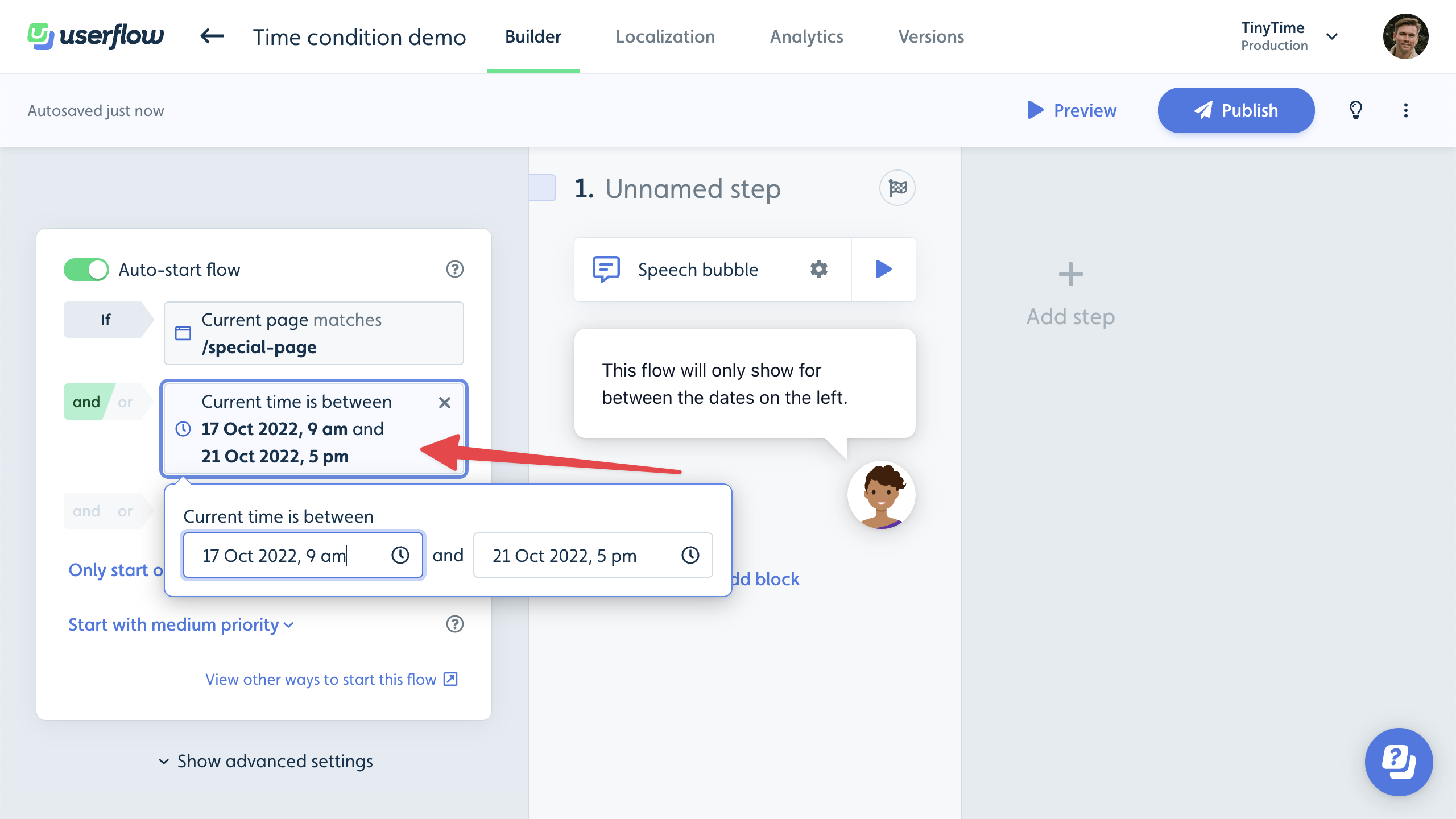

%20copy%208.png)
%20copy%205.png)