4.8 rating on G2

Stop building flows. Let our AI do it for you.
Meet FlowAI Builder, Userflow's AI-powered builder that turns your product walkthroughs into complete, editable onboarding flows instantly. No templates, no code, no engineering delays.
onboard
adopt
succeed
grow
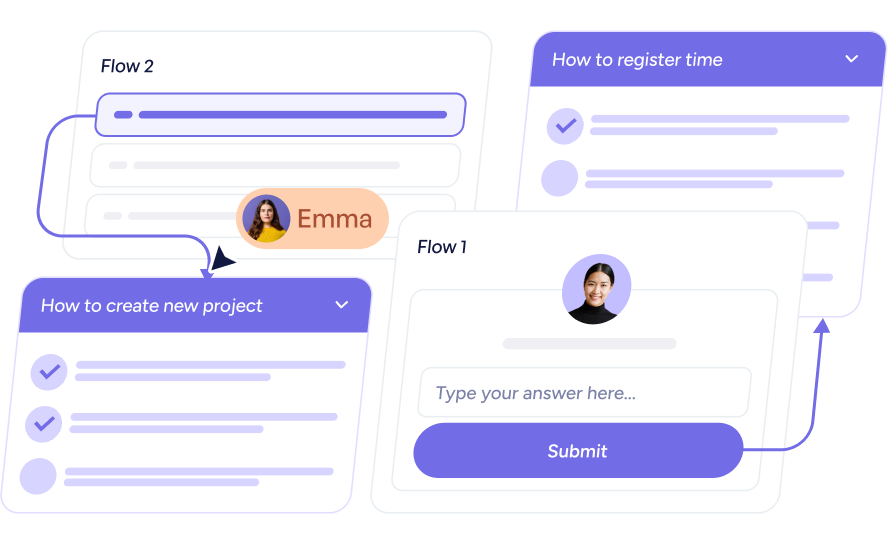
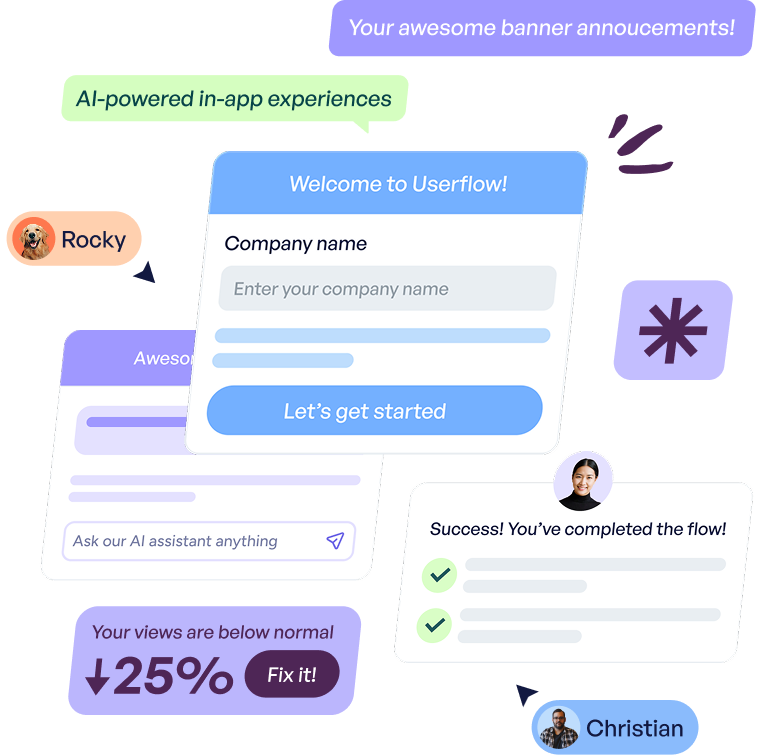
Illustration of a workflow showing task flows with titles 'How to create new project' and 'How to register time,' including user avatars and a submit button.Illustration of Userflow interface elements with chat bubbles including messages like 'Your awesome banner announcements,' 'AI-powered in-app experiences,' a company name input form titled 'Welcome to Userflow,' success confirmation with check marks, user avatars labeled Rocky and Christian, and a notification showing 25% below normal views with a fix button.
Trusted by 800+
customer-obsessed teams

From idea to polished experience in minutes.

FlowAI Builder helps you generate, refine, and style in-app guidance instantly—so you can launch high-impact experiences without starting from scratch.

Generate in-app experiences in minutes

Click through your product like a user would. FlowAI Builder records your actions and automatically generates a structured walkthrough you can edit and launch.
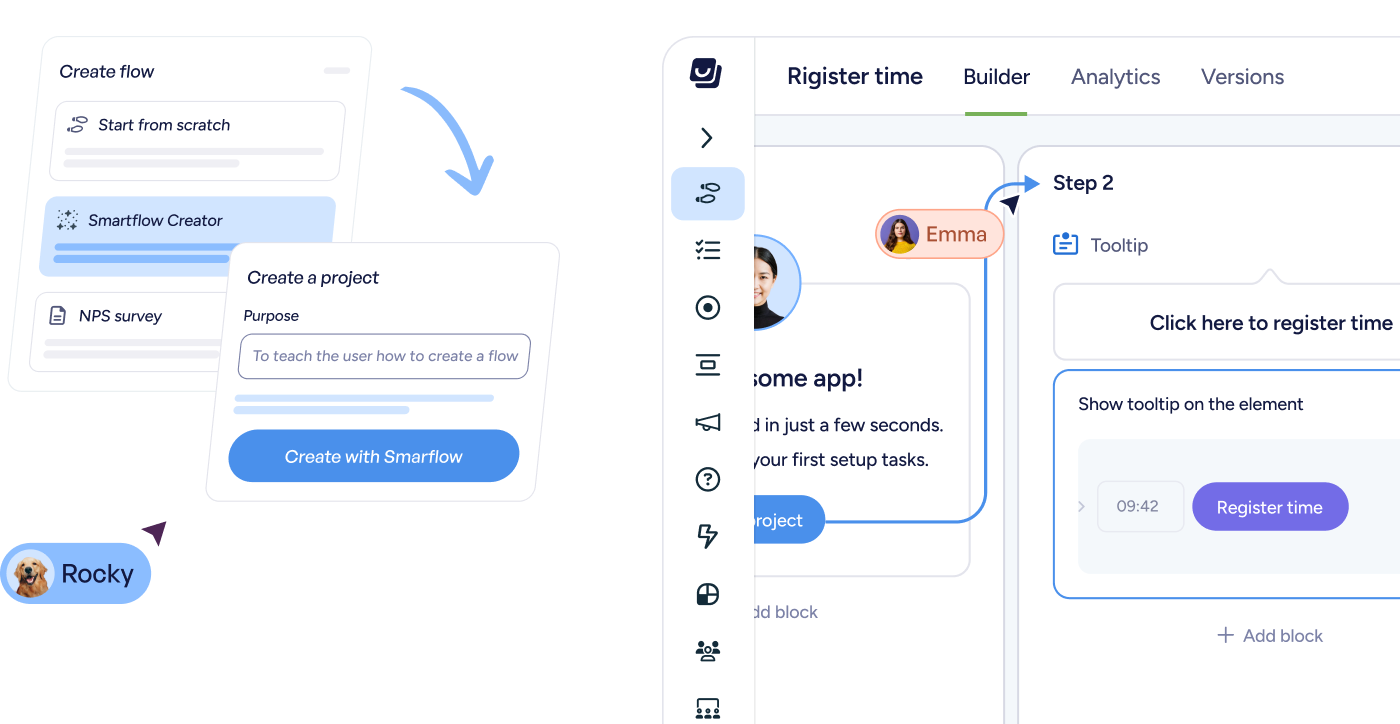
User interface of a flow builder app showing steps to create a project with Smartflow, including chat messages from users Rocky and Emma guiding the process.
Capture real product workflows instantly
Generate complete onboarding flows from clicks
Start with a working draft instead of a blank page
User interface of a flow builder app showing steps to create a project with Smartflow, including chat messages from users Rocky and Emma guiding the process.

Polish messaging instantly

Once your flow is generated, AI helps refine the experience—so your guidance is clear, concise, and ready to ship.
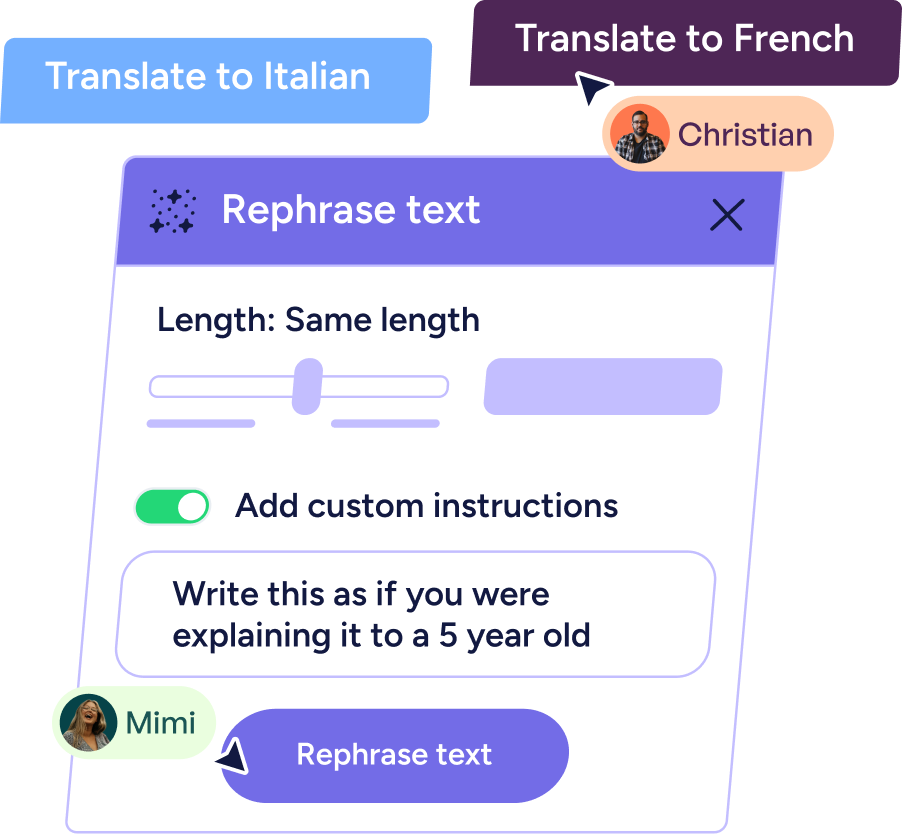
User interface panel titled Rephrase text with options to set length, toggle custom instructions, and instruction to explain as if to a 5-year-old, with buttons to translate to Italian or French and user labels Christian and Mimi.
Rephrase copy for clarity and tone
Adjust messaging without rewriting everything
Instantly translate for global users
User interface panel titled Rephrase text with options to set length, toggle custom instructions, and instruction to explain as if to a 5-year-old, with buttons to translate to Italian or French and user labels Christian and Mimi.

On-brand experiences automatically

Your in-app guidance should feel native to your product. FlowAI Builder can generate themes directly from your website to match your design system automatically.
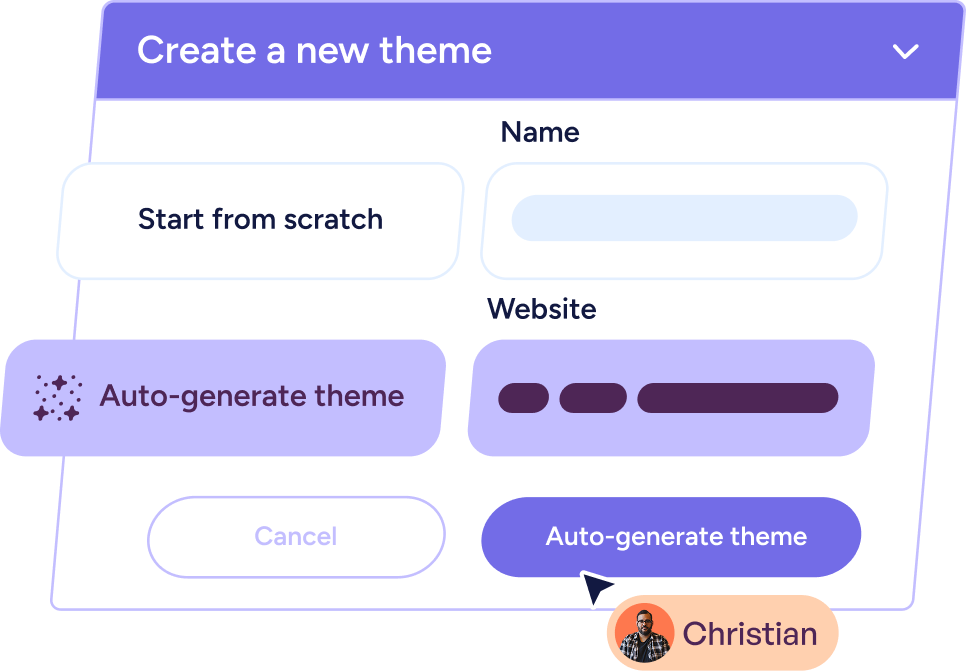
User interface popup titled 'Create a new theme' with options to start from scratch or auto-generate theme, including fields for Name and Website, with a cursor pointing at the 'Auto-generate theme' button, and a user icon labeled Christian.
Apply colors and styling instantly
Generate themes from your website
Maintain a polished, cohesive experience
User interface popup titled 'Create a new theme' with options to start from scratch or auto-generate theme, including fields for Name and Website, with a cursor pointing at the 'Auto-generate theme' button, and a user icon labeled Christian.

Built for teams shipping fast

Product & Growth

Turn new workflows into guided experiences in minutes.

Generate structured flows from real clicks
Reduce time spent building repetitive steps
Iterate without release cycles
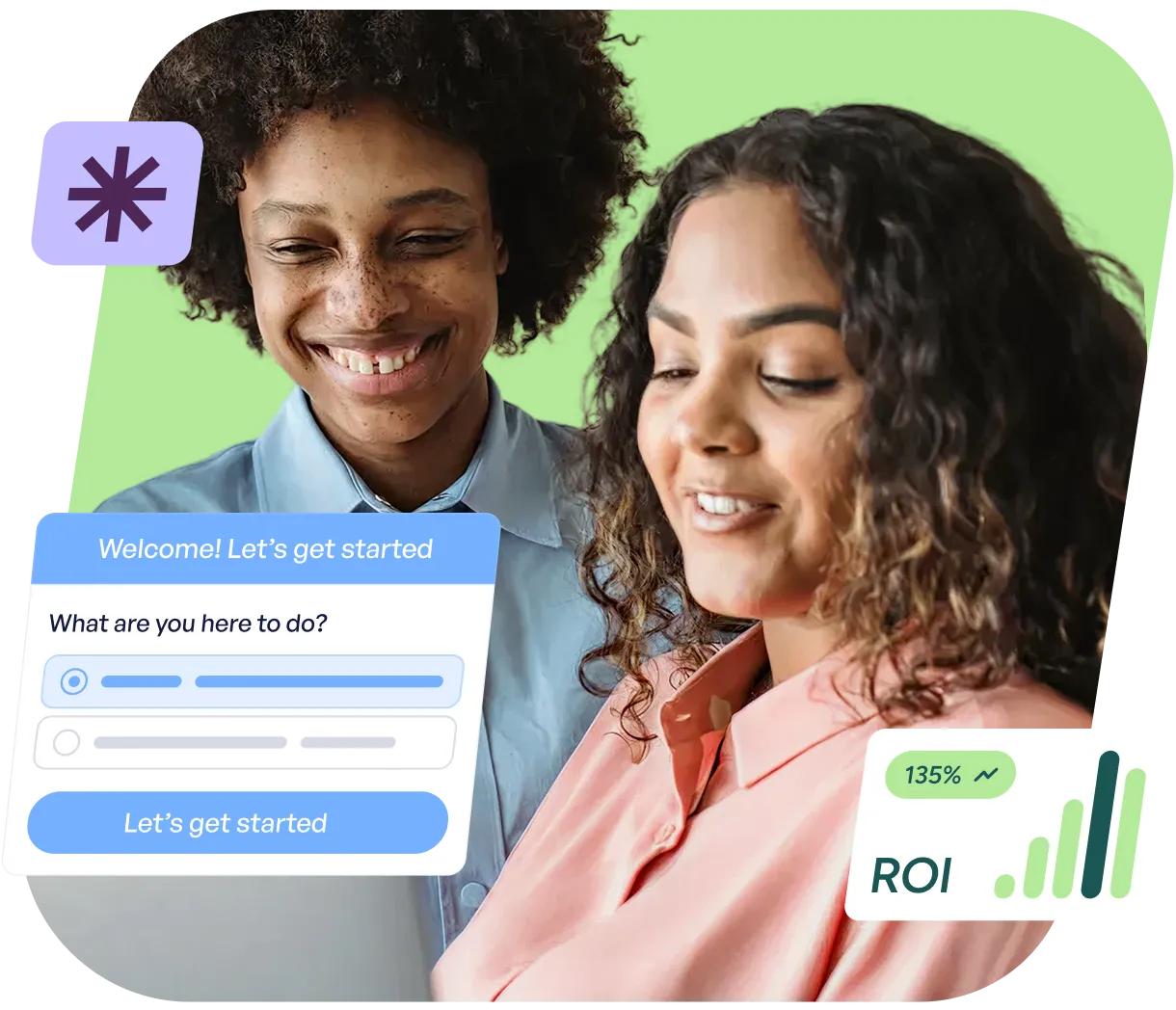
Two people smiling and looking at a laptop screen with a dialog box showing options and a button labeled 'Let's get started', alongside a graphic showing ROI growth at 135%.

Customer Success

Create training and enablement flows without heavy setup.

Guide users through complex workflows
Update messaging instantly as processes evolve
Support global users with AI translation
Two women laughing together, one wearing a white sweater and the other wearing a blue beanie and glasses, with a chat interface overlay showing AI assistant text input and contact icons on a blue background.

Customer Marketing

Launch no-code onboarding and lifecycle guidance without engineering.
Localize in-app onboarding and guided flows for global audiences
Create campaigns tied to activation and expansion
Iterate messaging instantly
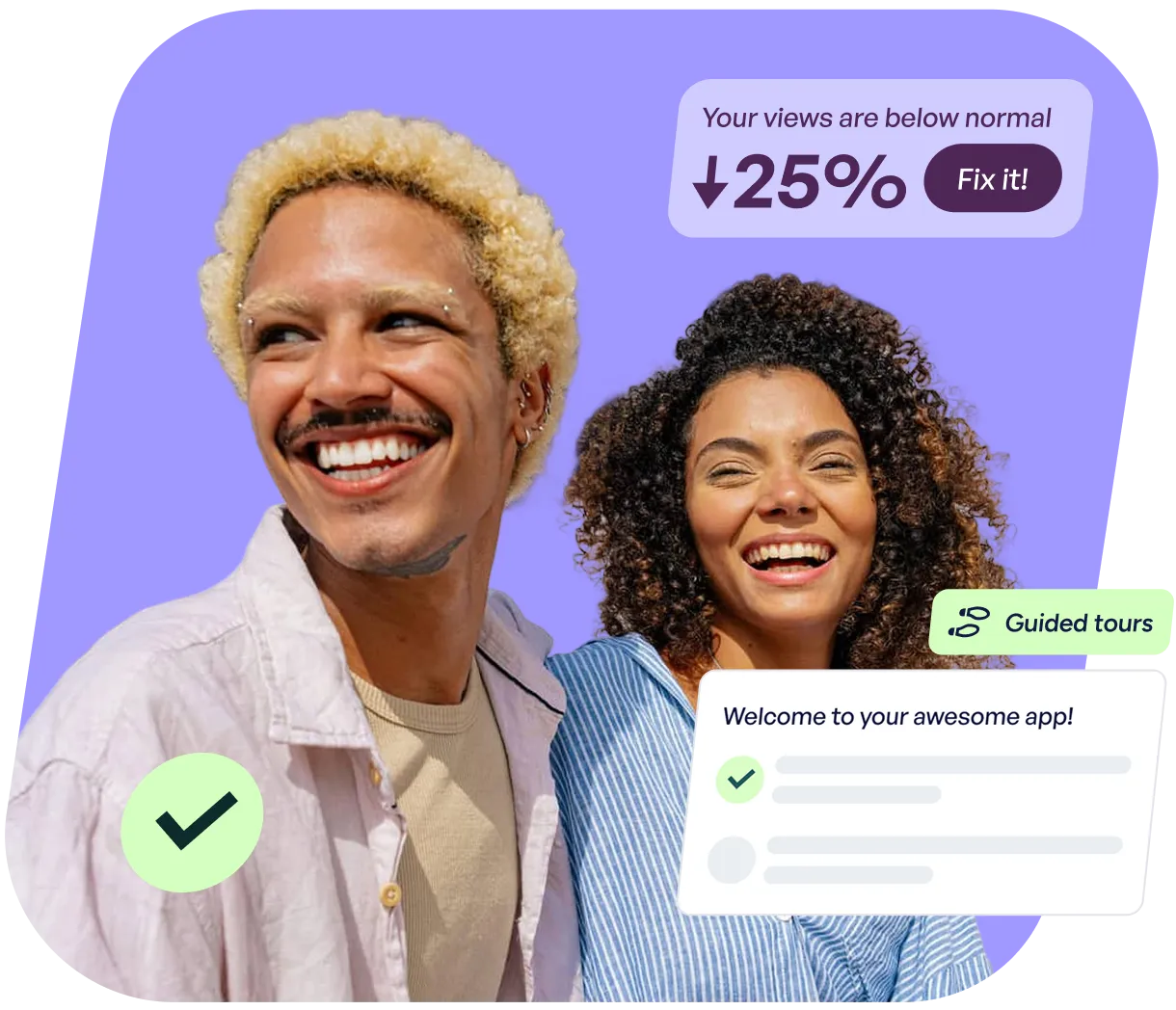
Smiling man with curly blond hair and woman with curly dark hair on a purple background with app interface elements showing a 25% decrease in views and a welcome message.

FAQs

Clear answers to common questions

Still have questions?

Our team is happy to help, whether you’re
just exploring or ready to get started.

How does flow generation work?

FlowAI Builder captures your clicks inside the product and converts them into structured, editable walkthrough steps automatically.

Are generated flows fully editable?

Yes. Every flow can be modified, reordered, rewritten, or redesigned before publishing.

Do I need technical knowledge to use it?

No. If you can click through your product, you can generate a flow.

Still have questions?

Our team is happy to help, whether you’re
just exploring or ready to get started.