

Ingredients You'll Need

Mixpanel

For tracking product engagement and creating “stuck user” cohorts

Hubspot
For CRM, segmentation, and sales visibility

Userflow
For onboarding flows and in-app re-engagement nudges
Recipe Directions
01
Add contact Info from HubSpot to Userflow
When someone signs up (like through a form or a demo request), they get added to HubSpot.
Sync Hubspot so that information is sent to Userflow automatically.
That info helps Userflow show the right onboarding steps for that type of user.

02
Deliver custom onboarding in Userflow
Create and deploy from Userflow customized onboarding flows that are personalized to each user:
- A checklist of tasks to get started.
- A guided tour of the product.
- Messages that explain features in simple terms.

03
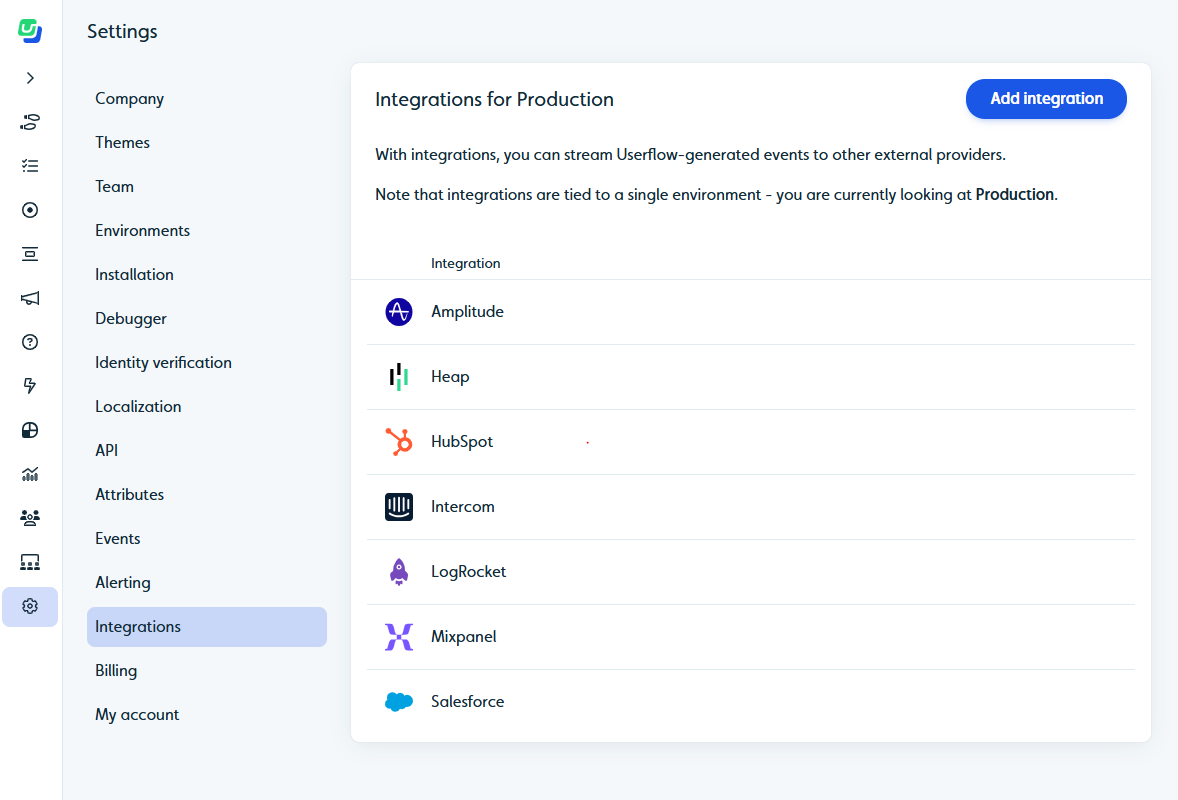
Send onboarding progress events from Userflow to Mixpanel and HubSpot
As the user checks things off or clicks around, you can create updates on Userflow like:
- “Started onboarding”
- “Completed 1 of 5 steps”
Then sync these updates to:
- Mixpanel, so you can track behavior
- HubSpot, so the sales team sees where the user is stuck
04
Identify stuck users in Mixpanel
In Mixpanel, create a cohort of users who:
- Started onboarding but didn’t finish
- Or haven’t done anything in a few days
Label them as “stuck users”

05
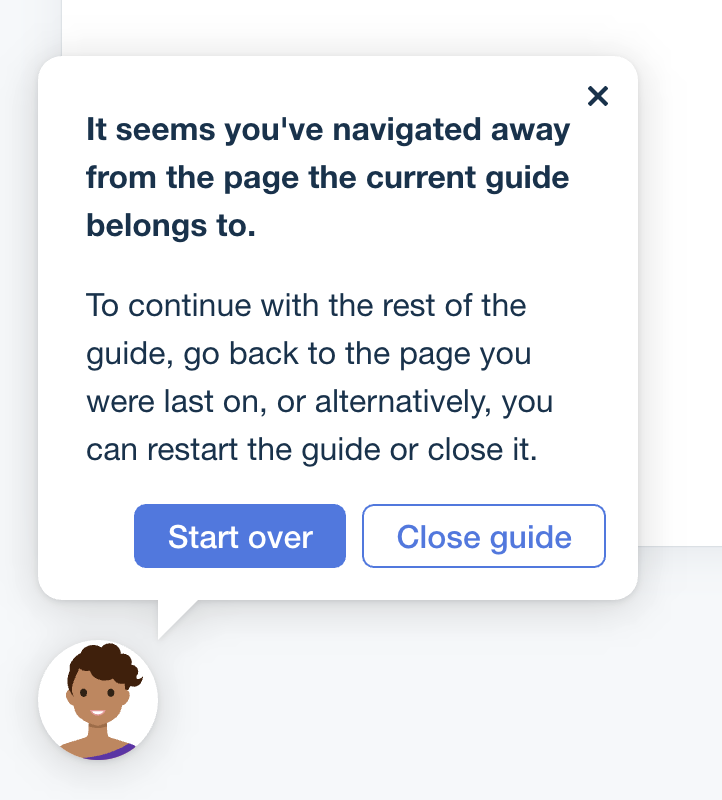
Re-engage stuck users in Userflow
Sync the stuck user list back to Userflow.
Then deploy user flows (get it?) to show a simpler checklist or friendly tooltips just for them:
- “Need help getting started?”
- “Here’s the next step to try…”
06
Automate sales follow-up in HubSpot
In addition to in-app engagements on Userflow, run automated workflows on HubSpot:
- Send a personal-looking email from the assigned sales rep
- Add a task in the rep’s dashboard to follow up with that user
That way, if the in-app help doesn’t work, a real person can step in and assist.

Serving suggestions (Pro tips)
- Refine your stuck user definition based on your product’s onboarding journey, it could mean “no activity for 3 days” or “stalled at Step 3 of onboarding.”
- Combine in-app nudges with well-timed human outreach to maximize recovery rates.
- Try different messages for different user types (webinar leads, ad leads, referrals, etc.)
Ready to Cook Up This Use Case?
Get started now for free with Userflow and unstuck your users


Try it today and see why top SaaS teams have already made the switch.

50%
less onboarding time and 23% increased app usage

250%
higher conversion rates for users who completed the guided flows

20 hours
saved per week and achieved churn reduction from 30-50% to nearly zero

Joe Stanton,
COO at

"Userflow was incredibly easy to set up and integrate into our app. It’s been a game-changer for improving customer onboarding, helping us turn more free trials into happy customers."

Rocio Lopez Daglio,
Senior PMM at

“Since we started using Userflow, we’ve established a stronger, more direct line of communication with our customers.”

Danish Refai,
Product Manager at

“...a game-changer in empowering our users and reducing friction in their journey.”

