

Ingredients You'll Need

Mixpanel

For advanced product analytics and cohorting

Hubspot
For CRM and lead source tracking

Userflow
For onboarding flows, personalization, and in-app targeting
Recipe Directions
01
Sync lead source data from HubSpot to Userflow
Track the origin of your users, whether they came through a Google Ad, a webinar signup, or a referral, using HubSpot.
- Create a property in Hubspot
- Set up tracking in your lead capture forms or UTMs to populate this field.
- Pass this property to Userflow as a user attribute.
- In Userflow, verify that this property is mapped correctly and visible under user profiles.
This enables Userflow to dynamically adjust what the user sees from the moment they sign in.

02
Deliver tailored onboarding in Userflow
Create separate onboarding experiences in Userflow that map to different lead sources.
- In the Userflow flow builder, create different onboarding flows or branches.
- Add targeting rules to each one using the attribute.
- Use checklists, modals, and tooltips to guide them through the activation path that makes the most sense for how they found you.

03
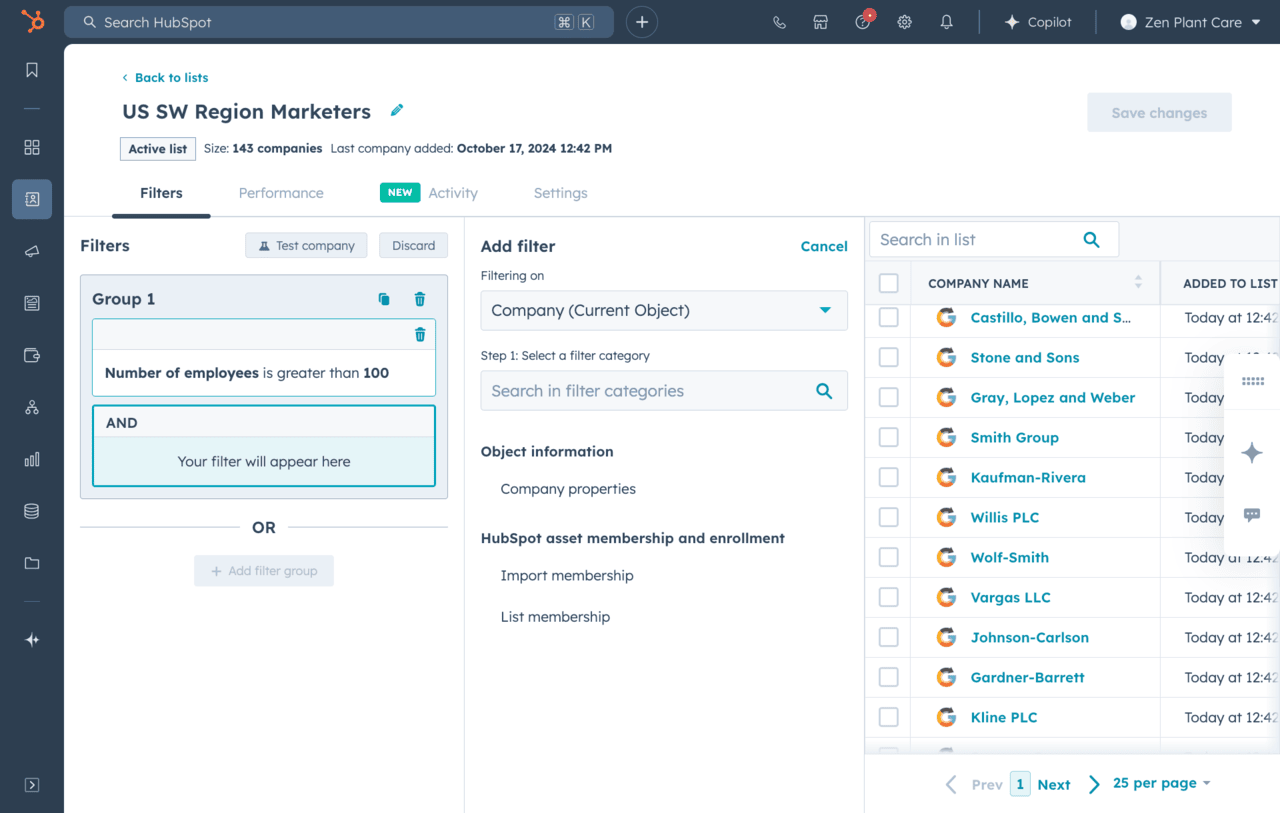
Send onboarding progress and NPS data from Userflow to HubSpot
Now let’s close the loop between onboarding and CRM.
- In Userflow, track key onboarding milestones (e.g. “Completed Flow,” “Finished Checklist.”).
- Use the HubSpot integration to send these custom events or attributes back into the contact timeline.
- Send NPS responses collected in Userflow surveys back to HubSpot.
- Use this data to build smart lists, lead scoring, and automated workflows.
This helps you to know exactly where each user is in the journey.
04
Track advanced product behavior in Mixpanel
Let’s go deeper into how users are actually interacting with your product.
- Instrument Mixpanel to track high-value events
- Set up funnels to see where drop-offs happen in your key workflows.
- Use Mixpanel’s Cohorts to define groups like:
“Users who started but didn’t finish onboarding
These insights help you decide which behaviors are predictive of conversion and long-term retention.

05
Sync Mixpanel cohorts back into Userflow for targeting
Sync key Mixpanel cohorts back into Userflow as user properties. Use those properties in Userflow to trigger contextual messages:
- Stuck users get a tooltip checklist with nudges to complete onboarding
- Engaged users get a “Congrats!” modal and upsell CTA
- Idle users get a reactivation message with quick win suggestions
This allows your onboarding to adapt not just to who the user is, but what they do.
06
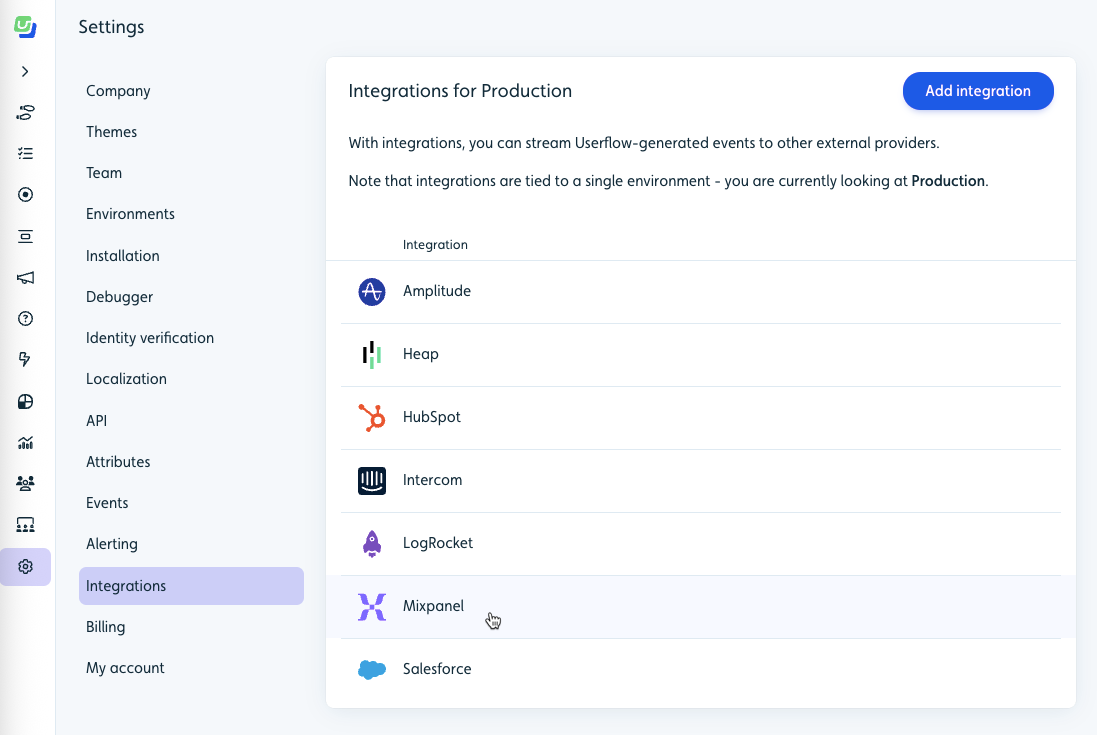
Run personalized nurture workflows in HubSpot
Use HubSpot to automatically send the right message to each user based on:
- Lead source: How they found you (e.g. ad, webinar, referral)
- Onboarding status: Whether they’ve finished your Userflow checklist
- Product behavior: What they’ve done (or haven’t done) in the app
Here's an example:
- Send a reminder if someone signs up but doesn’t finish onboarding
- Trigger a “Congrats!” email when they complete key steps
- Alert sales when a user shows high engagement
It all runs in the background, set it once and let it go.

Serving suggestions (Pro tips)
- Experiment with your PQL criteria. The behaviors that predict conversion best may not be obvious at first. Continue to experiment and find that user action that meaningfully turns into buying intent.
- Use behavioral triggers like “Added Team Member” to launch post-onboarding upsells and drive stickiness.
Ready to Cook Up This Use Case?
Get started now for free with Userflow and personalize your onboarding


Try it today and see why top SaaS teams have already made the switch.

50%
less onboarding time and 23% increased app usage

250%
higher conversion rates for users who completed the guided flows

20 hours
saved per week and achieved churn reduction from 30-50% to nearly zero

Joe Stanton,
COO at

"Userflow was incredibly easy to set up and integrate into our app. It’s been a game-changer for improving customer onboarding, helping us turn more free trials into happy customers."

Rocio Lopez Daglio,
Senior PMM at

“Since we started using Userflow, we’ve established a stronger, more direct line of communication with our customers.”

Danish Refai,
Product Manager at

“...a game-changer in empowering our users and reducing friction in their journey.”

